Introduction to Chatbots in WordPress
When it comes to websites, WordPress stands out as a popular platform for integrating chatbot solutions. Chatbots for WordPress customer support are easy to set up and customize because of the many plugins and the user-friendly interface.
They help businesses answer common questions quickly and provide instant support. This can significantly enhance how businesses engage with their customers.
Why Businesses Need Chatbots on Their WordPress Sites
As businesses evolve in the digital age, automating communication is essential. Chatbots use AI to help companies engage with customers without needing someone to monitor them all the time. Whether it’s booking appointments or having smooth conversations, chatbots make real-time support easy.
Here are a few key benefits:
1. Automated Communication and Time Savings
One of the biggest benefits of chatbots for WordPress customer support is that they can automate communication. Instead of having human agents answer every question, chatbots can manage many customer requests at once.
They provide quick responses, saving businesses time. This is useful for tasks such as tracking orders, managing accounts, or answering common questions. By improving chatbot responses, businesses can enhance efficiency and customer satisfaction.
2. Improved Customer Engagement
Chatbots make it easier for businesses to maintain ongoing communication with their customers. They can give personalized suggestions, follow up with users, and help in real-time based on what customers do.
By fostering interactive communication, chatbots can create conversational experiences that engage customers. Chatbots can easily collect feedback. This helps businesses understand customer needs and improve their services.
3. 24/7 Customer Support
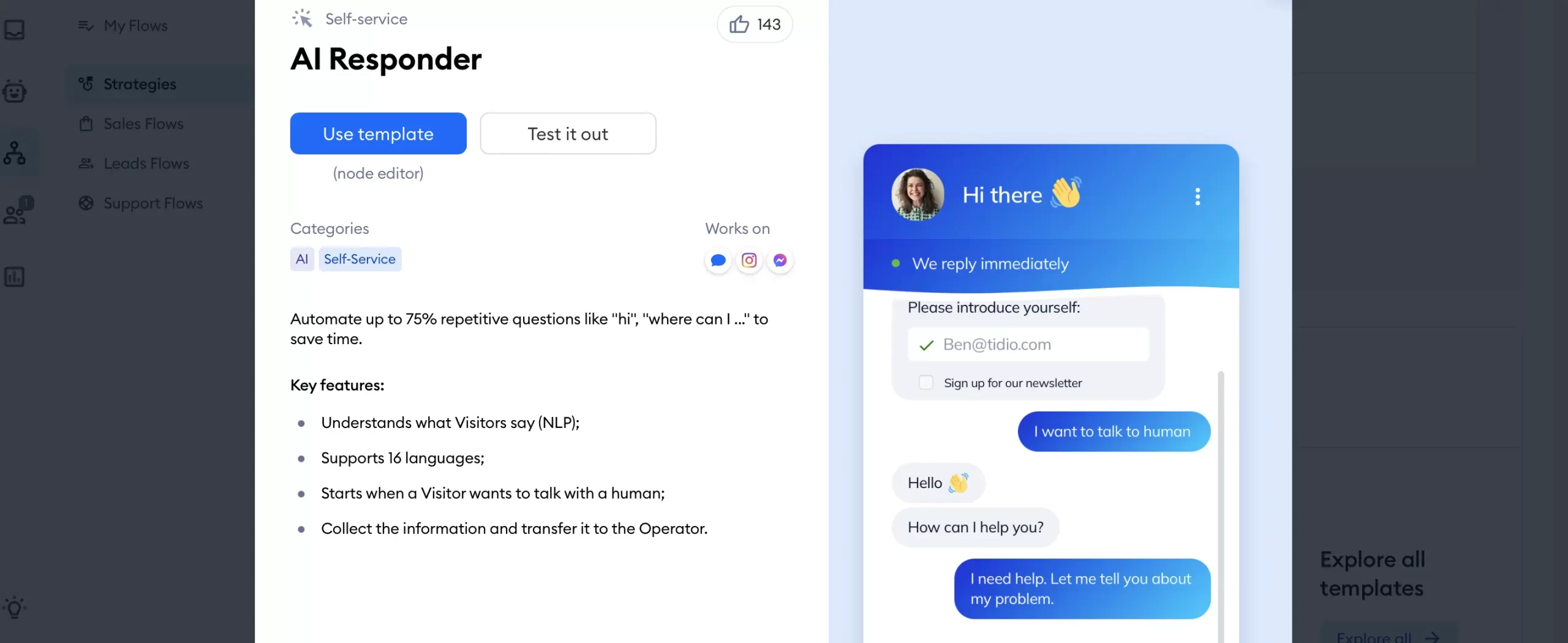
One of the biggest challenges businesses face is meeting customer expectations for 24/7 support. Having human agents available all the time isn’t always possible, but chatbots can do the job.
A chatbot on a WordPress site can answer questions anytime, so businesses don’t miss sales or support. This constant availability improves user experience and builds trust with the audience.
4. Lead Generation and Sales Automation
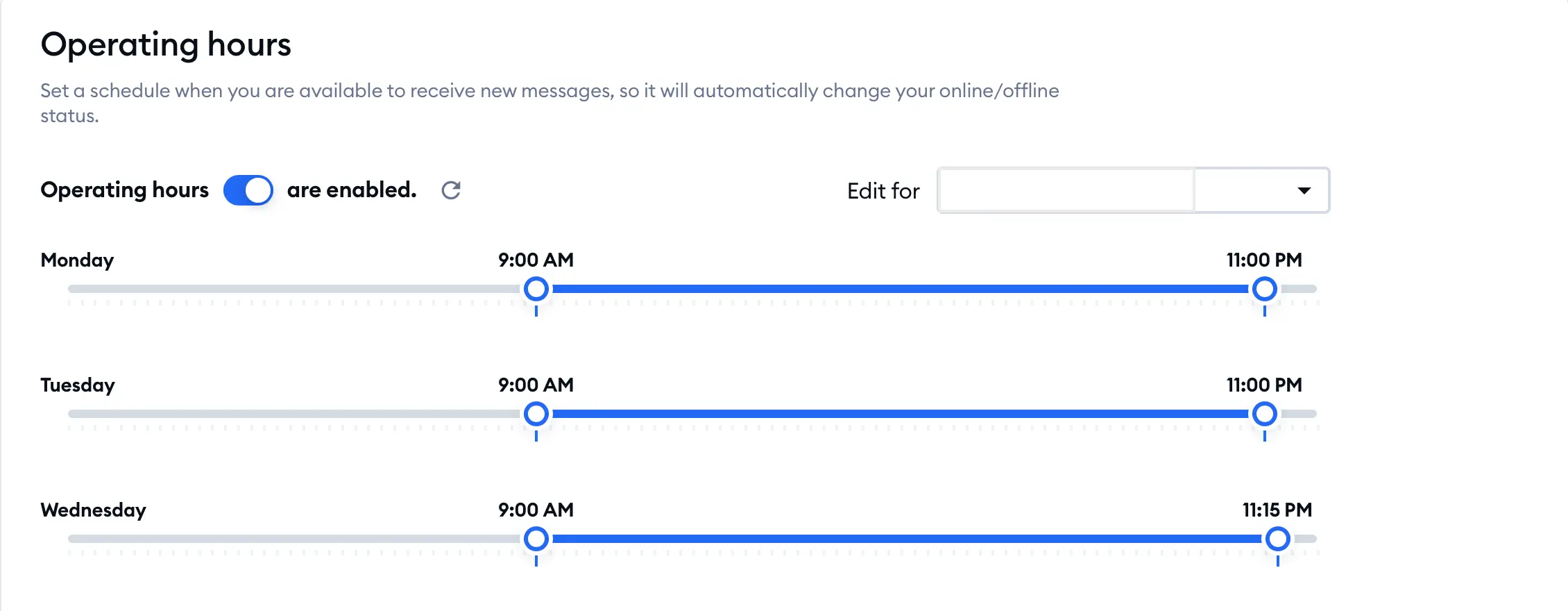
Beyond customer support, chatbots on WordPress sites can also act as powerful tools for lead generation and sales. Chatbots can talk to visitors in real-time and collect important info like email addresses and interests.
This helps businesses get leads and take care of them. Chatbots can also guide users through buying, answer product questions, and help with checkout, which can increase sales.
Top Chatbot Plugins for WordPress
1. Tidio
Tidio is a popular chatbot and live chat solution for WordPress. It provides automated replies and live chat, making it a good choice for any business.
Tidio integrates with CRM systems and email marketing platforms, allowing businesses to capture leads and manage them effectively.
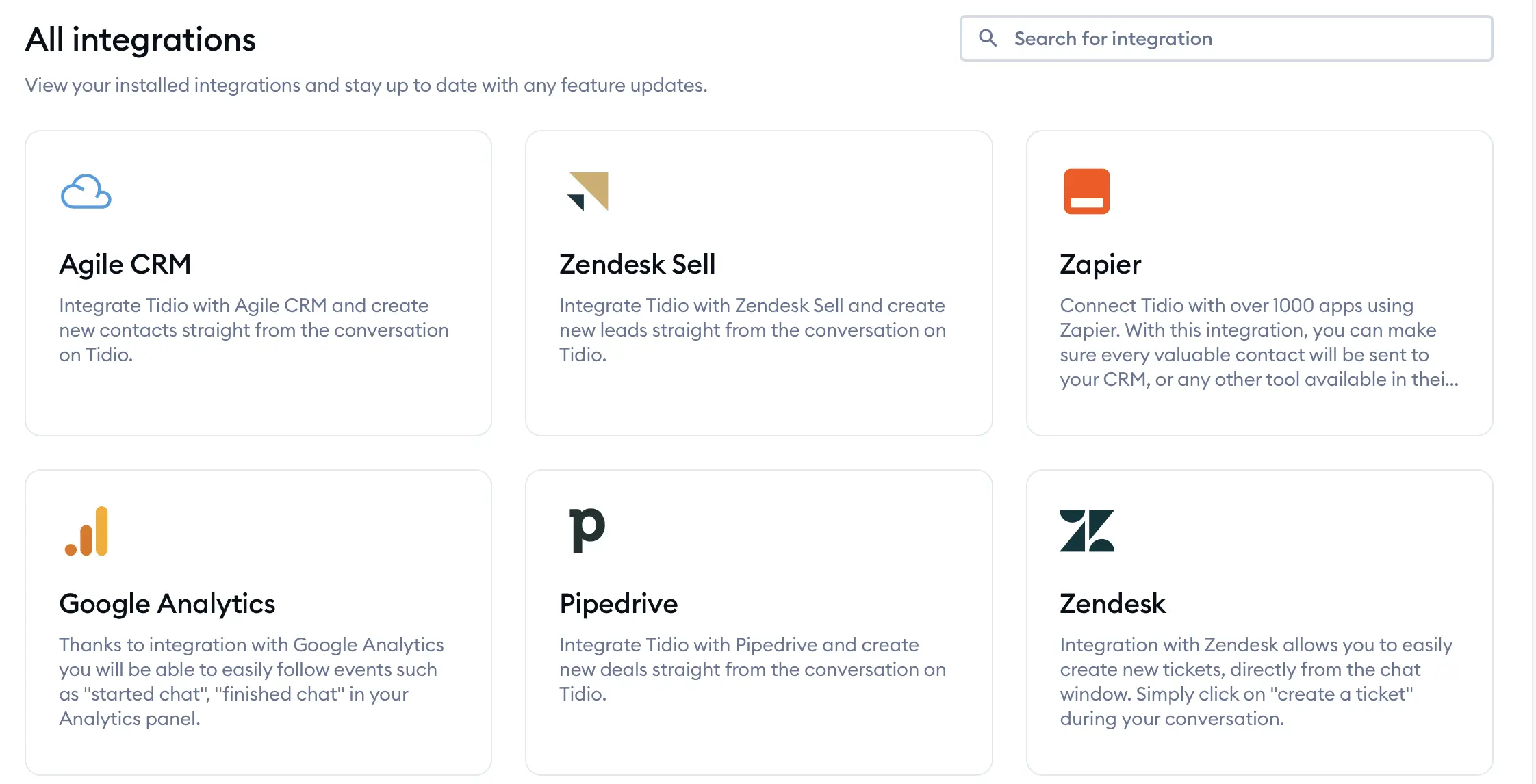
- Features: Live chat integration, chatbot builder, customizable templates, multi-language support.
- Pricing: Free version available; premium plans start at $29 per month – billed monthly and $24.17 per month – billed annually.
- Installation & Use: After installing the plugin from WordPress, you can easily set up the chatbot using the Tidio dashboard.
2. Chatra Chatbot
Chatra is a user-friendly chatbot and live chat plugin designed to enhance customer support on WordPress sites. It offers real-time chat functionality along with automation features to help businesses engage visitors, answer questions, and provide instant support.
- Features: Engage visitors with live chat and provide immediate assistance.
- Pricing: Free Version includes basic chat and bot features. Paid Plans start at $21, per agent per month.
- Installation & Use: Download and install the Chatra plugin from the WordPress repository.
3. ChatBot for WordPress by QuantumCloud
This plugin offers a simple yet effective way to create chatbot conversations tailored to your business. WP ChatBot for WordPress has easy templates and a simple design. It’s great for small businesses that want to set up automated customer chats quickly.
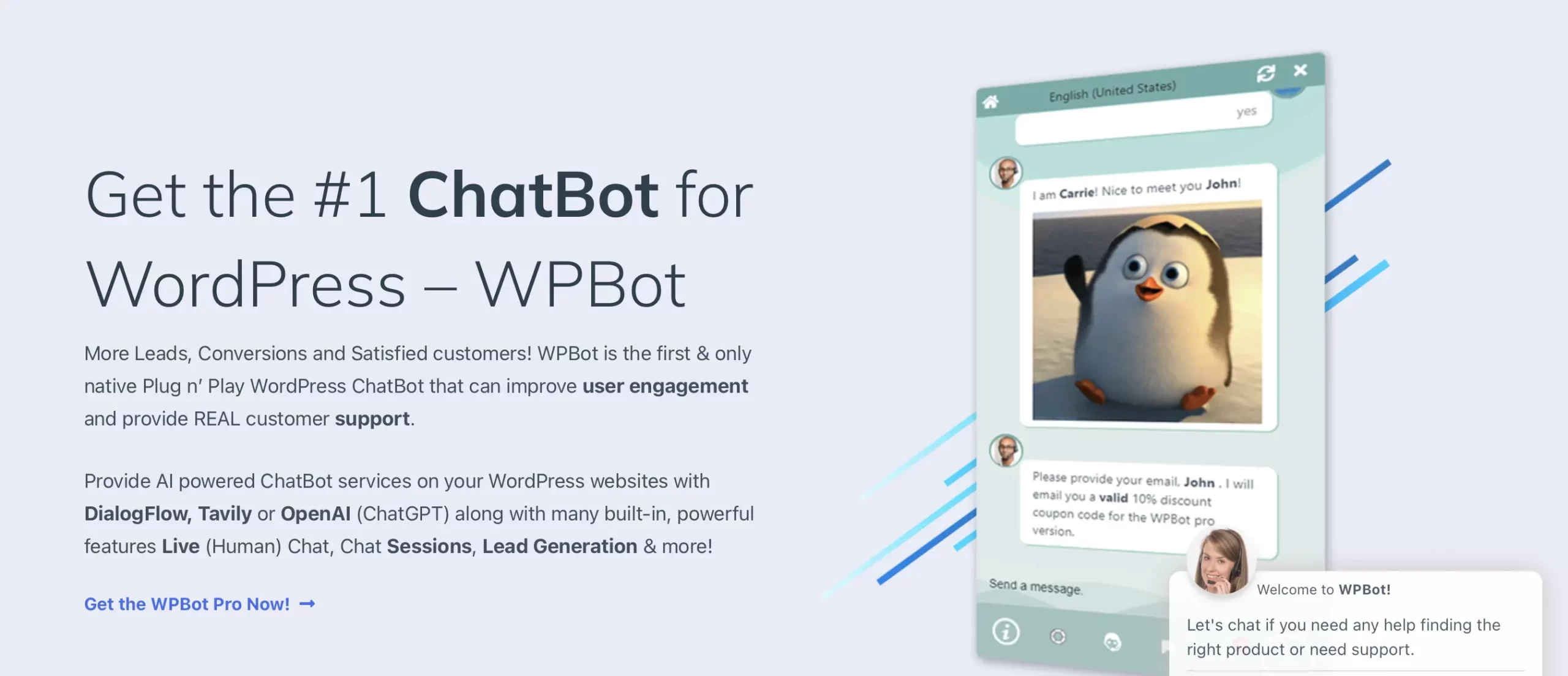
- Features: Pre-built chatbot templates, conversational design, integration with Google Analytics for performance tracking.
- Pricing: Free version available; paid plans start at $49 per year.
- Installation & Use: Once installed, use the plugin’s visual chatbot builder to create custom chat flows.
How to Integrate a Chatbot on Your WordPress Site
Step-by-Step Guide to Setting Up a Chatbot on WordPress
1. Choose a Plugin
Head to the WordPress plugin directory and search for the chatbot plugin that best fits your business needs, such as Tidio or Chatra Chatbot.
2. Install the Plugin
Click on “Install Now” and then “Activate” to add the plugin to your WordPress dashboard.
3. Configure the Chatbot
Once activated, go to the plugin’s settings page. Most plugins will guide you through the setup process with on-screen instructions. You can choose chatbot templates or start from scratch using drag-and-drop builders.
4. Customize the Chatbot
Tailor the chatbot to your specific requirements. Set up automated greetings, define key phrases for responses, and choose how the chatbot interacts with customers (live chat, messenger, etc.).
5. Test the Chatbot
After configuring your chatbot, it’s crucial to test its functionality. Check how it responds to customer queries and ensure that it behaves as expected.
6. Monitor and Optimize
Many chatbot plugins integrate with analytics platforms, allowing you to track user interactions. Monitor performance and adjust chatbot flows to improve response quality and lead generation.
Best Practices for Chatbot Communication in WordPress
A good chatbot can greatly improve customer experience, but it’s important to balance automation with real user interaction.
Here are some best practices to ensure your chatbot delivers maximum value without overwhelming visitors:
Keep Conversations Simple and Direct
Personalize the Experience
Provide Easy Access to Human Support
Test and Monitor Bot Performance
Avoid Over-Automation
Case Studies: Businesses Succeeding with Chatbots on WordPress
Case Study 1: Travel Agency Using Tidio Chatbot
A travel agency used the Tidio chatbot on their WordPress site to help with bookings, trip planning, and common questions.
The chatbot handled over 60% of customer questions, letting human agents deal with more complex issues. As a result, the company saw a 20% increase in bookings and reduced their customer service response time by 50%.
- Key Takeaway: Automating routine queries using a chatbot can lead to faster response times and more satisfied customers.
Case Study 2: E-Commerce Store with Chatra Chatbot
An online fashion retailer added Chatra Chatbot to their WordPress site to manage customer support and handle product inquiries.
By integrating the chatbot with WordPress, the store engaged customers directly on their website. This omnichannel approach improved customer interaction and increased conversion rates by 15%.
- Key Takeaway: Leveraging website integration with chatbots can provide seamless communication across multiple channels, enhancing the customer journey.
Case Study 3: SaaS Business Utilizing ChatBot by QuantumCloud
A SaaS company offering project management tools implemented the ChatBot for WordPress plugin to manage onboarding for new users.
The chatbot provided step-by-step guidance, helping customers set up their accounts and start using the platform efficiently. With the chatbot in place, the company improved user retention and increased product adoption by 25%.
- Key Takeaway: Chatbots are very helpful for new users by offering instant help and personalized advice.
Conclusion
Chatbots are changing the way businesses talk to customers. They offer an easy, AI-powered way to improve support, engage users, and get more leads.
Adding a native WordPress chatbot to your site is simple with plugins for different needs. You can offer real-time customer service, chatbot conversations, appointment booking, and feedback collection. The options are endless.
Ready to take your WordPress website to the next level? Explore the top chatbot plugins, featuring drag-and-drop customization, and start automating your customer support today!
These plugins work well on various websites, including WordPress websites of all sizes.