Understanding Inactive Plugins
Definition of Inactive Plugins
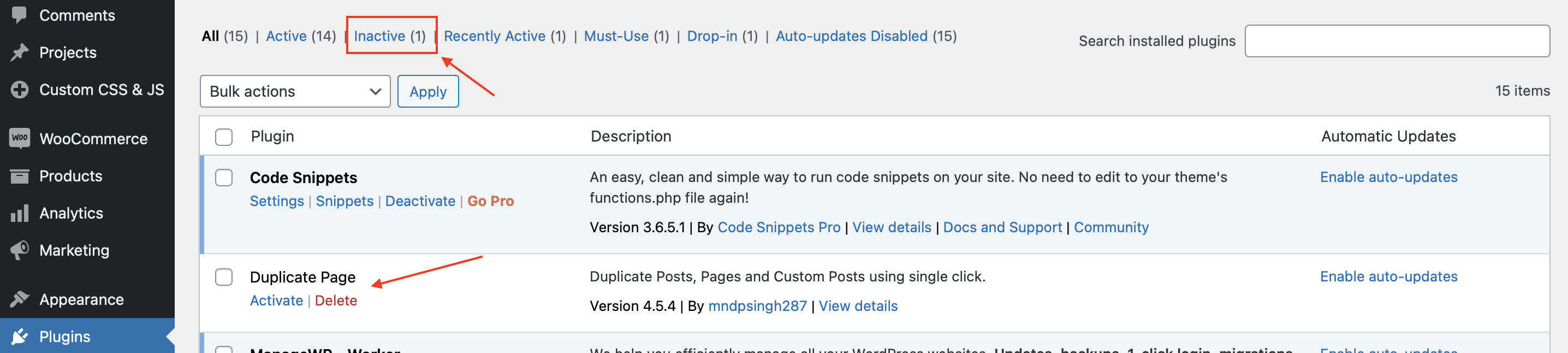
Inactive WordPress plugins are those that have been deactivated in your WordPress dashboard but are still present in your system.
You can find them in the Plugins section of your website, typically listed separately from the active plugins.
They don’t contribute to the functionality of your site until they are reactivated.
Reasons Plugins Become Inactive
Plugins can become inactive for a variety of reasons. Sometimes, they may conflict with other plugins or themes, causing errors or performance issues.
In other cases, they may simply be outdated and no longer maintained by their developers. Users might also deactivate plugins temporarily for testing purposes without deleting them.
Distinction Between Inactive and Deleted
It’s essential to differentiate between inactive WordPress plugins and deleted plugins.
Deleting a plugin removes it entirely from your WordPress installation, while deactivating it merely turns it off, leaving the code and data intact.
This distinction plays a crucial role in how you manage your website’s health.
Security Risks Associated with Inactive Plugins
Vulnerabilities in Outdated Plugins
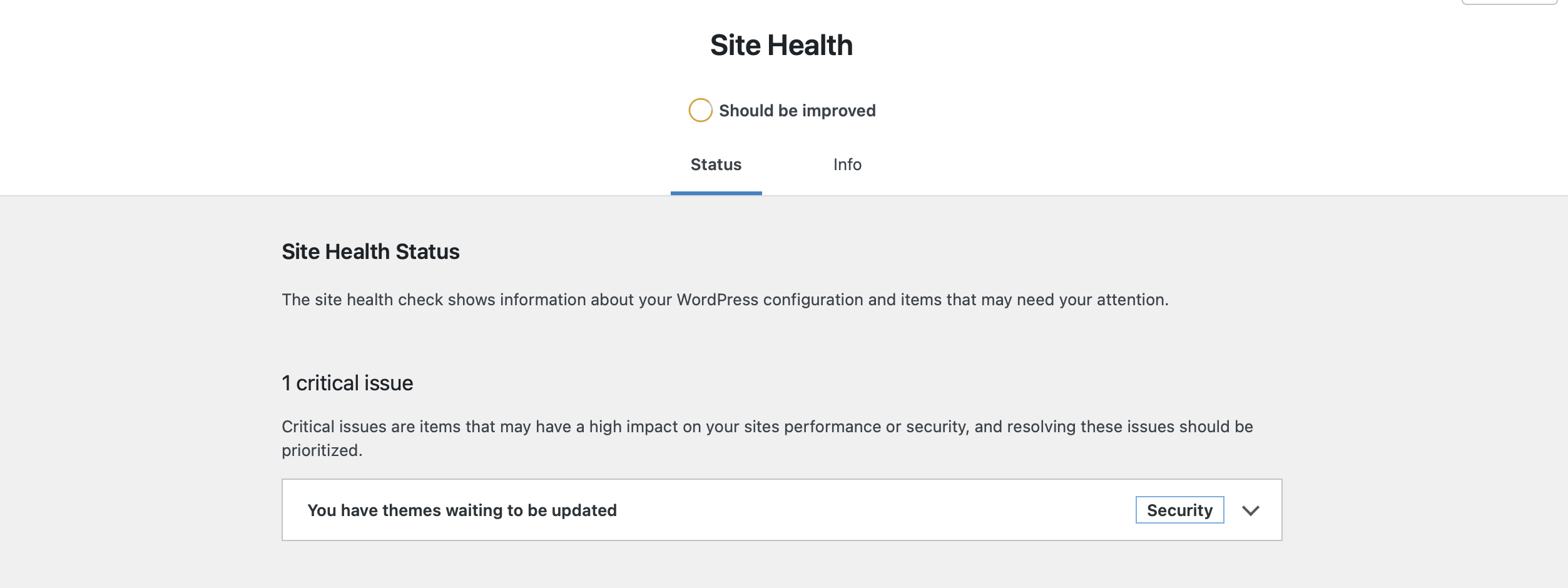
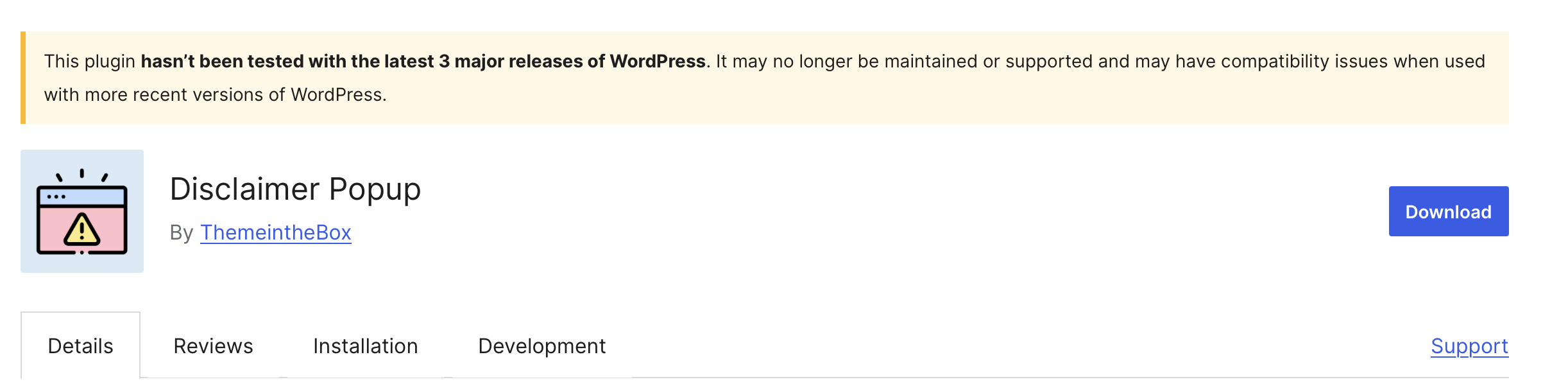
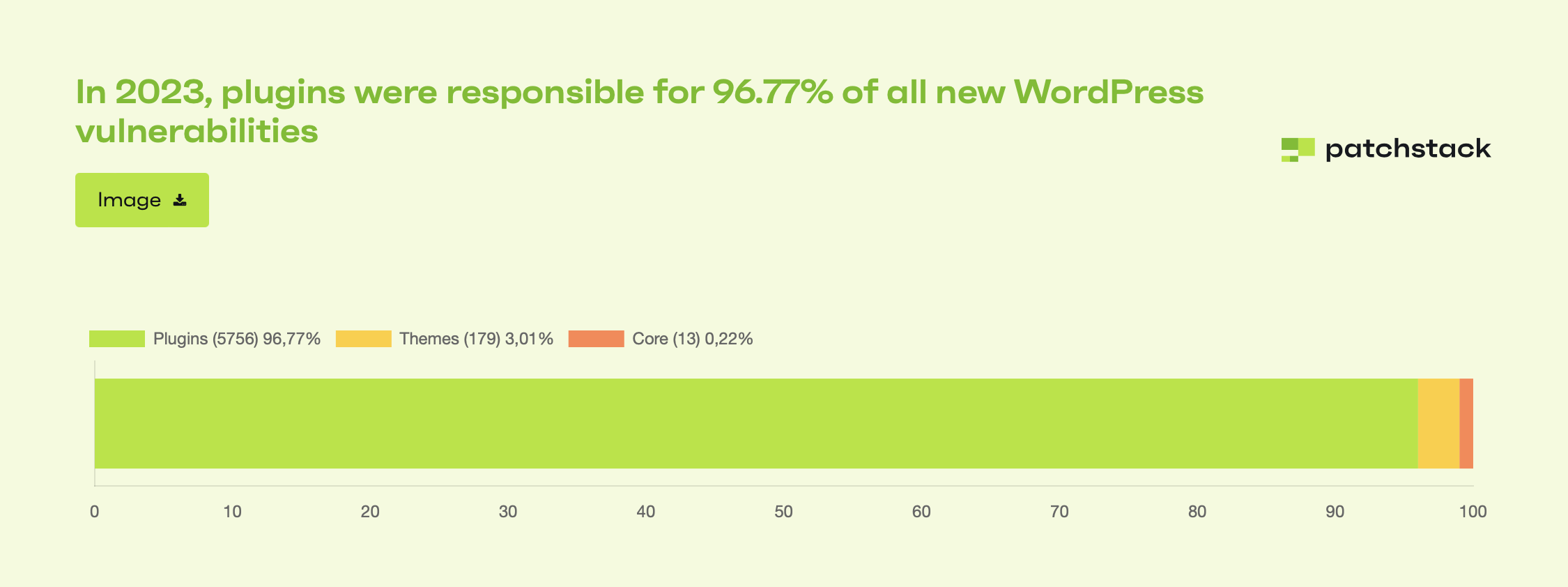
Inactive WordPress plugins, especially those that are outdated, can create security vulnerabilities. Developers continuously update plugins to patch bugs and vulnerabilities.
If a plugin is no longer receiving updates, it may open the door to potential threats, even if it is not currently active.
Potential Exploitation by Malicious Actors
Hackers often scan websites for outdated plugins to exploit vulnerabilities. Even if a plugin is deactivated, a determined attacker can still target your site, putting your entire website’s security at risk.
This highlights the importance of being cautious about the plugins you decide to keep, even when they’re inactive.
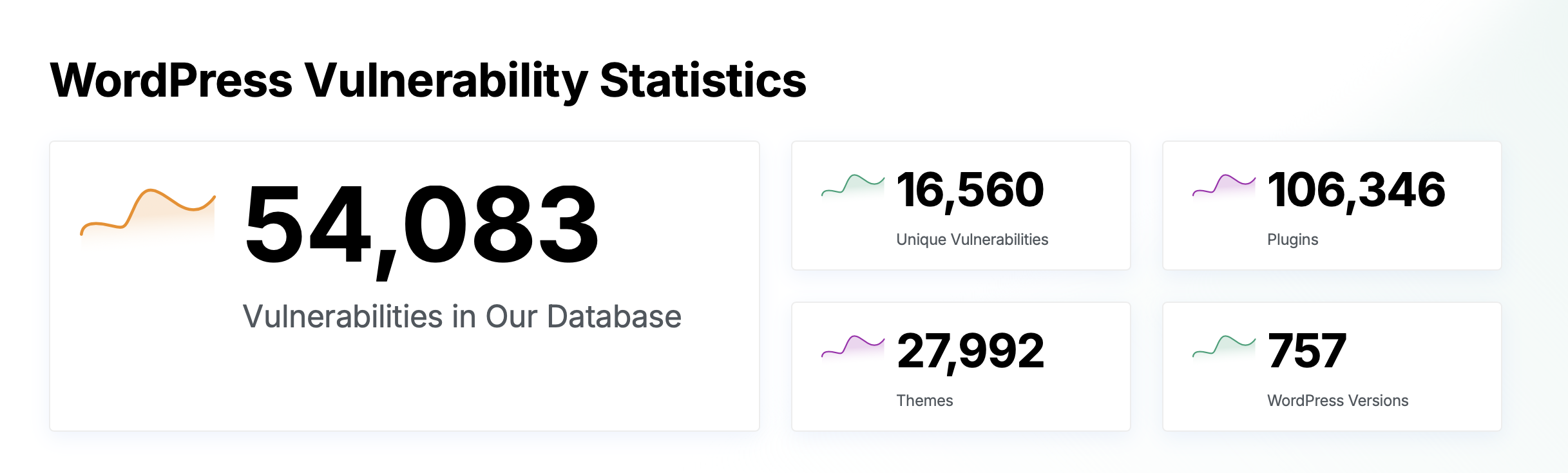
A typical WordPress hack starts with identifying the version of WordPress in use, along with the installed plugins and themes.
Hackers then attempt to identify vulnerabilities associated with these versions by searching for publicly available exploits.
These exploits can often be found online, making it easier for attackers to compromise a site.
- Versions <= 6.9 of WP File Manager were affected by a Remote Code Execution (RCE) vulnerability. This allowed attackers to execute arbitrary code on the server, potentially leading to full control over the website.
- Versions <= 7.1 had a vulnerability that allowed unauthorized users to upload malicious files, including PHP shells, to the server. This could result in the entire webserver being compromised.
Best Practices for Mitigating Security Risks
To minimize security risks, regularly audit your inactive WordPress plugins. If you find outdated or unused plugins, consider removing them entirely.
Additionally, regularly update the plugins you do use to ensure they’re secure. It’s much better to be proactive than reactive when it comes to website security.
For a more efficient audit of outdated plugins on your website, consider using the Outdated Plugin Notifier plugin.
This tool helps you keep track of any plugins that may no longer be maintained or updated, allowing you to take action before they become a security risk.
Impact on Site Performance and Resource Usage
How Inactive Plugins Affect Loading Speed
Even when not active, plugins can still impact your site’s performance. Their presence adds unnecessary clutter to the database, which may indirectly slow down your site over time.
This buildup can also complicate site management more than necessary. Keeping inactive WordPress plugins can be a hidden burden on your site’s efficiency.
Resource Drain on Hosting Environment
Even inactive WordPress plugins can take up precious resources on your hosting server.
If you have numerous inactive plugins, they can consume memory and database space, which could lead to slower server response times.
Site Management and Maintenance Considerations
Managing a website with multiple inactive plugins can complicate your maintenance routine.
It makes it harder to navigate your dashboard, potentially leading to confusion about what’s active versus what’s not. A clean, organized site is always easier to manage.
SEO Implications of Inactive Plugins
Influence on Page Speed and Ranking
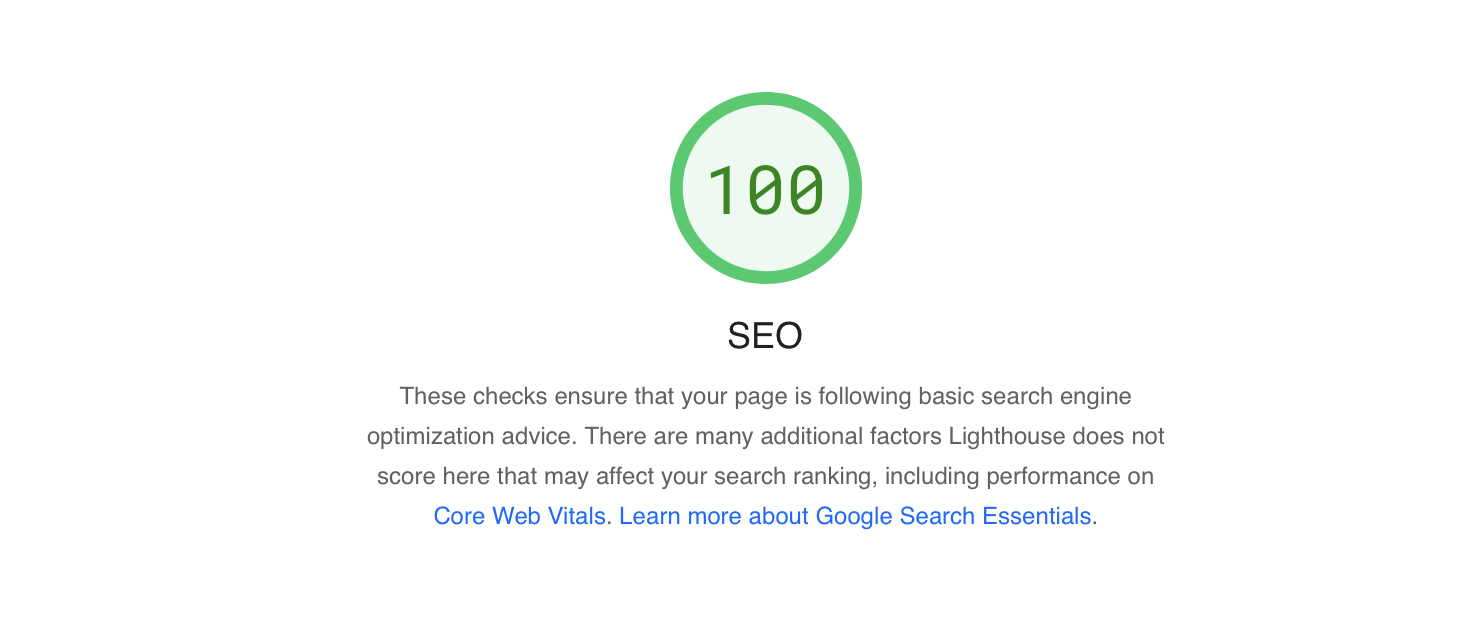
Page speed is a significant factor in SEO rankings.
While inactive plugins may not directly affect loading times, having too many can complicate your website’s structure and lead to inefficiencies, which can ultimately impact your site’s speed and SEO performance.
Broken Links and Redirects Causing Issues
Sometimes, inactive plugins leave behind broken links or conflicting redirects that can hurt your site’s user experience.
These issues may frustrate visitors and lead to higher bounce rates, which is never good for SEO.
Recommendations for SEO-Friendly Plugin Management
To maintain good SEO health, regularly review your plugins. Only keep those you actively use and need.
If you’re not using a plugin, consider removing it to reduce clutter and prevent potential SEO issues down the line.
Strategies for Managing Inactive Plugins
1. Regular Audits of Plugins
Conducting regular audits of your plugins is essential. Set a schedule to review what you have, check for updates, and determine if any inactive plugins can be safely removed.
This practice keeps your site healthy and performance-optimized.
2. Safe Deactivation and Removal Practices
If you decide to deactivate a plugin, ensure that it won’t affect your site’s functionality. Test your site after deactivation to confirm that everything runs smoothly.
When it comes time to remove plugins, do so carefully and back up your site beforehand.
3. Importance of Keeping Everything Updated
Updates are crucial not just for active plugins but also for the overall health of your website.
Regularly updating all components of your website, including plugins, themes, and WordPress itself, ensures optimal performance and security.
Conclusion
Take the time to review your inactive plugins today. A little housekeeping goes a long way in maintaining the health of your site.
Don’t let forgotten plugins linger around to cause potential issues in the future.
As the WordPress ecosystem continues to evolve, best practices for plugin management will also change.
Keeping an eye on trends will help you stay ahead, ensuring your website remains secure and performing at its best.