TL;DR
Why You Need Content Marketing Strategies for WordPress
Understanding Content Marketing for WordPress
What is Content Marketing?
Benefits of a Solid Content Marketing Strategy for WordPress Sites
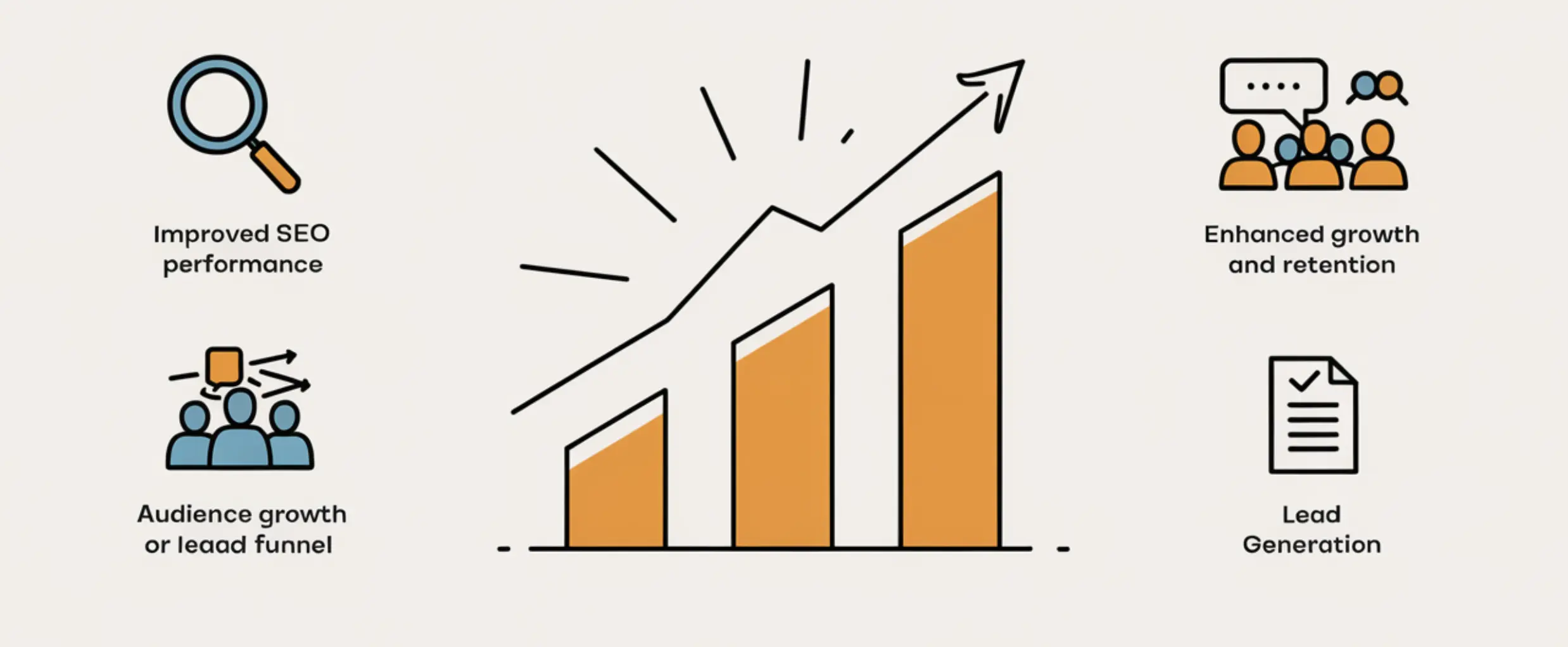
- Improved SEO Performance: Improve your SEO performance by regularly publishing high-quality, search engine-optimized content. This leads to higher search rankings, increased organic traffic, and better brand recognition.
- Enhanced User Engagement: A strong content strategy boosts WordPress user engagement by encouraging interaction. This leads to more time spent on your site. Engaging content builds trust with your audience, which can eventually convert casual readers into loyal followers or customers.
- Audience Growth and Retention: High-value content helps grow your audience by addressing their pain points. Over time, a loyal audience is more likely to share your content, further extending your reach.
- Lead Generation: Content marketing helps generate leads by attracting qualified visitors with blog posts, eBooks, and other gated content.
Introduction to Content Marketing Tools for WordPress
- Scheduling: CoSchedule or Editorial Calendar help you plan content in advance instead of publishing reactively.
- Social sharing: Monarch and Social Snap connect your posts to Facebook, Twitter, and LinkedIn with minimal setup.
- Analytics: MonsterInsights brings Google Analytics data into your WordPress dashboard, so you’re not switching tabs to check performance.
Developing a WordPress Content Marketing Strategy
A well-thought-out content marketing strategy is essential for growing your WordPress site. It ensures that your content resonates with your audience while being consistent, timely, and relevant.
Let’s look at two crucial components of your content marketing plan: content calendars and effective content creation.
Creating a Content Calendar for WordPress
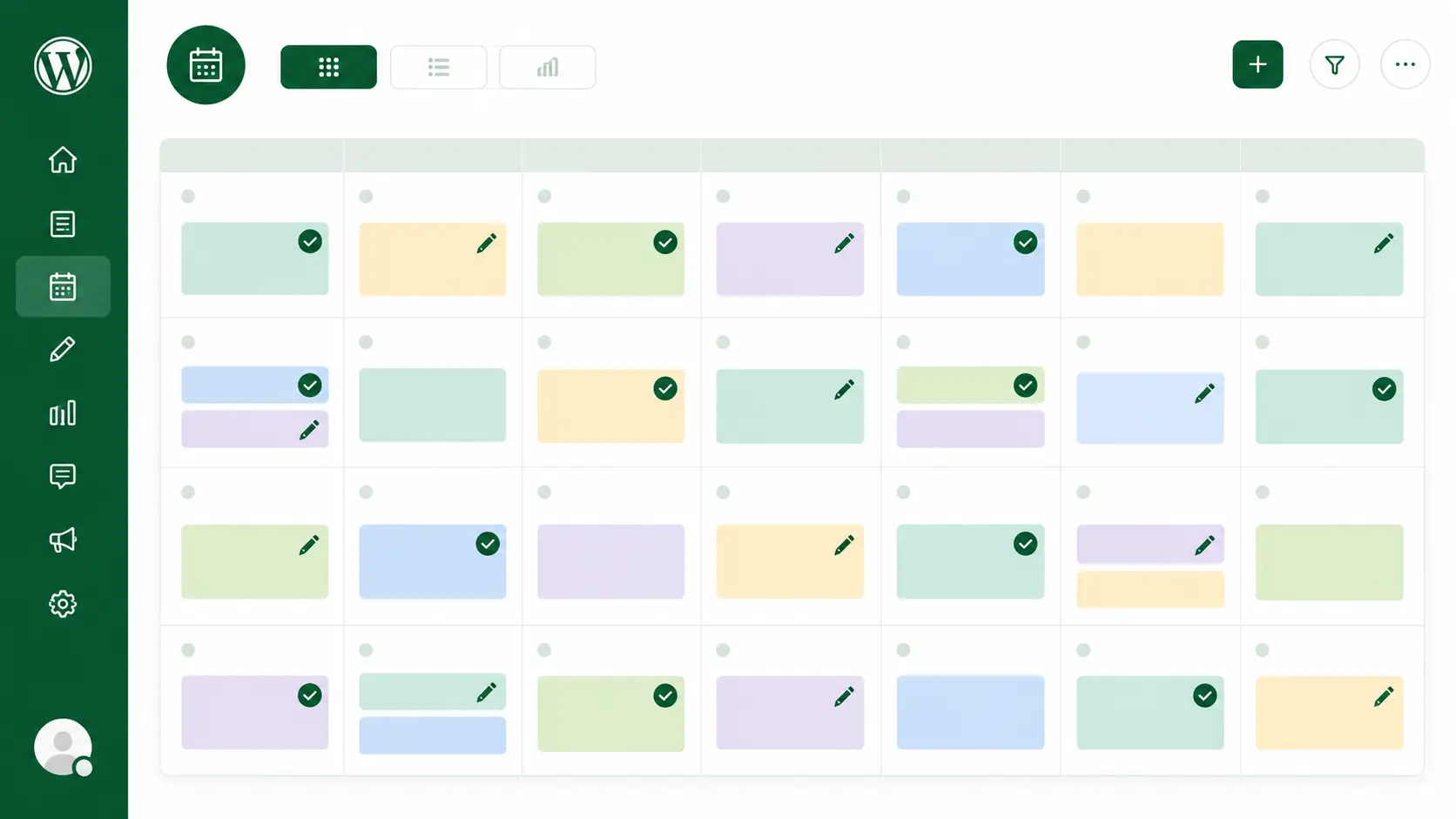
- How to Plan and Schedule Content: To plan and schedule content, first brainstorm ideas that match your audience’s needs, current trends, and SEO keywords. Schedule posts around key dates or seasons relevant to your audience. Use a calendar to space out and deliver your content consistently.
- Tools for Managing Your Content Calendar: Several tools can help automate and manage your calendar. For WordPress users, plugins like CoSchedule or Editorial Calendar are great options. These tools integrate directly into your dashboard, making it easy to plan, schedule, and publish your content.
WordPress Content Creation
- Tips for Effective Content Creation: Make sure your content is valuable, informative, and easy to read. Break up your text with headings, bullet points, and short paragraphs. To save time, you can also use WordPress content templates to streamline your workflow.
- Importance of Using WordPress Themes and Templates: For bloggers, using the right WordPress theme can make a big difference. Themes designed for content-heavy sites are more optimized for readability, which improves user engagement. Templates also allow you to maintain a consistent design across posts, saving time and effort.
Optimizing Your WordPress Content Marketing Strategies
WordPress SEO Best Practices
- Key Practices for Optimizing Your WordPress Content: Use your target keywords in key spots like the title, headings, and first paragraph — but avoid keyword stuffing. Ensure your content is valuable, easy to read, and provides answers to your audience’s questions. Proper use of internal links and image alt text also matters here.
- Beyond Keywords — Technical SEO Basics: Content optimization only goes so far if the technical side is neglected. Page load speed, mobile responsiveness, and proper heading structure (one H1, logically nested H2s and H3s) all affect how well even great content ranks. Yoast SEO and Rank Math (already covered above) flag most of these issues automatically as you write.
Content Marketing Strategies for WordPress SEO
- Role of Keyword Research in WordPress Content Strategy: Keywords are the foundation of any good SEO strategy. Perform thorough keyword research to find out what your audience is searching for. Use tools like Google Keyword Planner, Ahrefs, or SEMrush to discover keywords with high search volume and low competition. Incorporating these keywords naturally into your content will help your posts rank higher on Google.
- How to Use an SEO Content Strategy to Improve Rankings: Once you’ve identified your target keywords, use them strategically in your blog posts. Place them in the title, subheadings, and meta descriptions, but be sure to maintain a natural flow. Optimize for search intent—whether users seek information, navigation, or transactions—to ensure your posts match their needs. A well-executed SEO content strategy will drive more organic traffic, improve user engagement, and, ultimately, increase conversions.
Enhancing User Engagement and Growth
WordPress User Engagement
Content Marketing Strategies for WordPress to Increase User Interaction:
1. Encourage Comments: Create posts that ask questions or invite opinions. Respond to comments to foster a sense of community.
2. Use Interactive Elements: Polls, quizzes, and surveys can help make your content more interactive and keep users engaged.
3. Optimize for Mobile: Ensure your WordPress site is mobile-friendly — most visitors will land on a phone before a desktop. See our complete guide to mobile responsive design if you’re not sure your current setup handles this well.
4. Implement Social Sharing Buttons: Make it easy for readers to share your content across social media platforms. Plugins like Social Snap or Monarch make this easy on WordPress.
Effective Content Marketing Strategies for WordPress Growth
Techniques to Boost Traffic and Grow Your Blog Audience:
1. Create Valuable, Shareable Content: Content that provides real value to readers is more likely to be shared. Focus on creating posts that solve problems or provide insightful tips.
2. Leverage SEO: A good SEO strategy helps your content rank higher in search results and brings more visitors.
3. Build Backlinks: Collaborate with others or guest blog to get backlinks. This improves your site’s credibility and visibility.
4. Target the Right Audience: Generic content trying to reach everyone usually reaches no one well. Use Google Analytics or HubSpot to see who’s actually engaging with your content — demographics, interests, behavior — and tailor future topics to match rather than guessing.
Promoting Your WordPress Content
Content Promotion Techniques
Best Practices for Promoting Your Content Through Social Media Integration:
1. Use Social Media Plugins: Plugins like Jetpack or Novashare can automatically share your posts on social media, making it easier to reach more people. (Older options like Social Warfare still work but have slowed down in development — worth checking recent reviews before committing to one.)
2. Create Shareable Snippets: Highlight key points or stats from your blog and make attractive social media posts that link back to your content.
3. Engage With Your Audience: Go beyond posting links—respond to comments and join relevant conversations on social media.
4. Using WordPress Newsletter to Engage Your Audience: Email newsletters are a powerful way to engage with your audience directly. Plugins like Mailchimp or MailPoet make it easy to integrate newsletter signup forms into your WordPress site. Send out regular newsletters to promote your latest content and keep your subscribers engaged.

WordPress Content Promotion Tools
Several tools can help you automate and improve your content promotion, saving time and maximizing reach.
Buffer: This tool helps you schedule and manage your social media posts across different platforms, ensuring consistent promotion.
Zapier: You can automate tasks, like sharing new blog posts to Twitter or Facebook, without manual effort.
Measuring and Analyzing Your Results
WordPress Analytics
- How to Track and Analyze Content Performance: Google Analytics gives you the raw data — page views, bounce rate, time on page, traffic sources. MonsterInsights (mentioned earlier) brings that data directly into your WordPress dashboard, so you’re not switching between two platforms to check performance.
The metric that matters most for content strategy specifically is which individual posts drive the most traffic and where that traffic comes from — that tells you what to write more of, not just how many visitors you got overall.
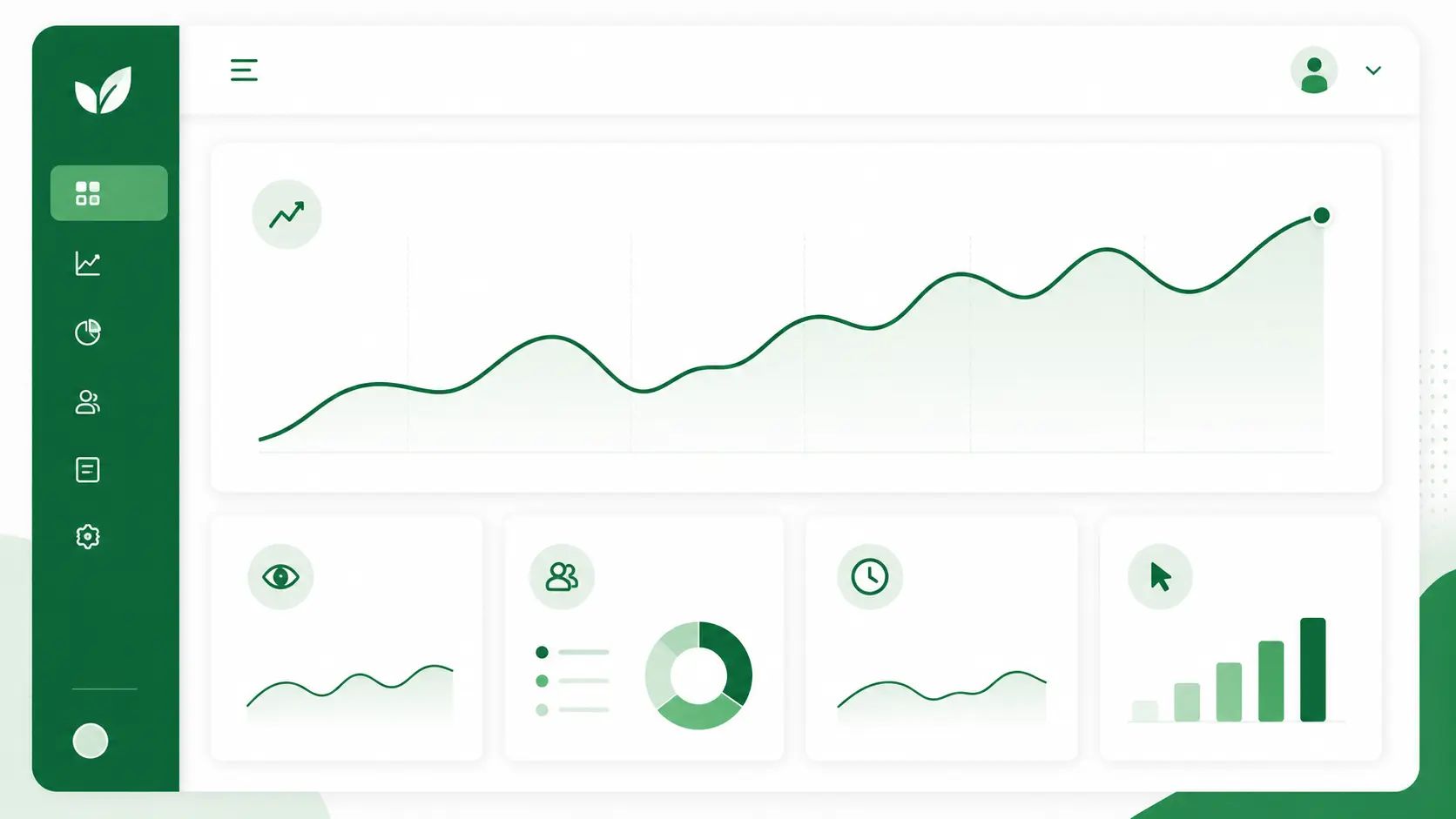
- Using Analytics to Refine Your Content Strategy: Once you’ve gathered data, use it to adjust your content marketing plan. For example, if some posts get a lot of traffic but people quickly leave, the content might not be engaging. If other posts have high engagement but few visitors, consider promoting them more. Regularly checking how your content performs helps you improve your posts and adjust your strategy to reach your goals.
WordPress for Small Business
- Analytics and Content Marketing for Small Business Growth: Small businesses can grow by using analytics to see which content drives conversions and engages their audience. Tailor your content strategy based on the behavior of your users. For example, if visitors leave before buying, your content might not be helpful or detailed enough. Refining your strategy with this data can significantly boost business growth.
Keeping Up with Content Marketing Trends
Content Marketing Trends
Emerging Trends and Their Impact on WordPress Content Marketing:
Short-form video is increasingly part of content strategy — if your site already integrates video or a YouTube presence, that’s worth building on rather than starting a new channel from scratch.
AI-driven content tools like Jasper and Surfer SEO can speed up drafting and optimization, though — as covered in our guide to AI tools for WordPress — they work best as an assist, not a replacement for editing and judgment.
Perhaps the biggest shift right now is where content shows up at all: AI-generated search summaries (Google’s AI Overviews and similar features) increasingly answer queries directly. This has made GEO — Generative Engine Optimization — a genuine complement to traditional SEO, favoring content with clear structure, direct answers, and well-organized Q&A formatting.
Guide to Content Marketing
Resources and Tips for Staying Updated:
Follow Industry Blogs: Websites like Content Marketing Institute and HubSpot provide insights into the latest trends and strategies.
Attend Webinars and Conferences: Virtual conferences like Content Marketing World or WordPress-focused events can provide valuable learning opportunities.
Subscribe to Newsletters: Keep up with updates by subscribing to newsletters from thought leaders in the content marketing space.
Conclusion
That feedback loop matters more than getting the strategy right on the first attempt.
If building and maintaining that WordPress infrastructure — from the site itself to the tools running on it — isn’t where you want to spend your time, that’s exactly what WordPress development and ongoing maintenance are for, so you can focus on the content and strategy side.