UX/UI Design Project
Design a digital product people can understand, use, and enjoy.
A structured UX/UI design project for websites, mobile apps, web apps, dashboards, and digital products that need clearer user journeys, intuitive interfaces, and a consistent visual system.
01 / Overview
More than polished screens.
A clear UX/UI system for your
digital product.
A strong UX/UI design project brings structure, user flows, wireframes, responsive interfaces, and reusable design elements together into one clear system. Instead of designing individual screens in isolation, we create a consistent experience built around real user needs and product goals.
The goal is simple: make your website, app, dashboard, or digital product easier to understand, easier to use, and easier to develop with confidence.
-
01Foundation
UX structure
The screens, content, and navigation organized around your product goals and user needs.
-
02Journeys
User flows
Clear paths showing how users move through the product and complete key actions.
-
03Clarity
Wireframes
Key screens and content hierarchy planned before visual styling begins.
-
04Interface
Responsive UI
Desktop and mobile interfaces designed with clear hierarchy, consistent components, and practical interaction states.
-
05Delivery
Prototype & handoff
An interactive prototype, basic design system, and handoff notes prepared for development.
02 / Ideal for
Is this the right UX/UI project for you?
This project is a strong fit when there is a clear need to improve, validate, or define how your digital product works for users.
If one or more of these feels familiar, this project probably makes sense.
No need to match every point.
-
You're building a new digital product
You need clear UX structure and interface design before development begins.
-
Your current experience feels unclear
Users struggle to navigate, understand what to do next, or complete important actions.
-
Your interface feels inconsistent
Screens, components, and interactions do not feel like part of one clear product experience.
-
You need more than visual design
You need flows, wireframes, responsive UI, prototypes, and handoff support ready for development.
Tell us what you are trying to improve and we can help define the right project.
03 / Project scope
What your UX/UI project can include.
The final scope is built around what your product actually needs. These are the core deliverables commonly included in a complete UX/UI design project.
-
Structure
UX structure
A clear product structure built around user needs, content, navigation, and the key goals of your digital experience.
-
Journey
User flows
Clear paths showing how users move between screens, make decisions, and complete important actions.
-
Planning
Wireframes
Key screens and content hierarchy planned before visual design, helping us validate structure and usability early.
-
Desktop
Desktop UI design
Responsive desktop interfaces designed with clear hierarchy, consistent components, and intuitive interaction patterns.
-
Mobile
Mobile UI design
Mobile layouts adapted for smaller screens, touch interaction, clear navigation, and consistent product use.
-
Interaction
Interactive prototype
A clickable prototype that demonstrates key screens, user flows, and interactions before development begins.
-
Consistency
Basic design system
Reusable styles and components that help keep the interface consistent as the product grows.
-
Delivery
Handoff notes
Organized design files and practical notes prepared to support a clear transition into development.
04 / What you receive
Designed to move forward, not stop at presentation.
Your final delivery is organized for practical use. You receive the approved UX/UI designs, prototype, design system, and handoff materials needed to move confidently into development.
-
UX
Approved UX structure
The agreed user flows, wireframes, navigation, and screen structure organized around the core product experience.
-
Interface
Responsive UI designs
Final desktop and mobile screens designed with clear hierarchy, consistent components, and defined interaction states.
-
Prototype
Interactive prototype
A clickable prototype showing key screens, user journeys, and important interactions before development begins.
-
System
Basic design system
Reusable styles, components, and interface patterns prepared to keep the product consistent as it develops.
-
Handoff
Development-ready handoff
Design files and handoff notes are organized clearly so your development team can understand the approved screens, components, and interactions without an unclear transition.
05 / The process
From product goals to a clear user experience.
A clear process keeps the project focused, gives feedback a purpose, and helps every design decision connect back to user needs and product goals.
-
Discover
We learn about your product, users, goals, current experience, business needs, and technical context.
-
Define
We define the UX structure, key user flows, priorities, and what the product needs to help users accomplish.
-
Wireframe
We plan key screens, content hierarchy, navigation, and core interactions before visual design begins.
-
Design
The approved structure is developed into responsive desktop and mobile interfaces with a clear visual system.
-
Prototype
Key screens and user flows are connected into an interactive prototype for review and refinement.
-
Deliver
Final designs, components, prototype, and handoff notes are organized and prepared for development.
06 / Typical timeline
A focused 3–6 week process.
Most UX/UI projects move from product discovery to final handoff through focused stages, with time built in for review and refinement.
-
W01
Discovery & structure
Product goals, user needs, requirements, and UX structure.
-
W01–03
Flows & wireframes
User flows, key screens, navigation, and content hierarchy.
-
W03–05
UI design
Responsive desktop and mobile interfaces, components, and visual refinement.
-
W05–06
Prototype & handoff
Final prototype, design system, file preparation, and handoff.
07 / What we need from you
Help us understand the product behind the experience.
The better we understand your product, users, and goals, the more relevant the final experience can be. You do not need to prepare a formal UX brief before we start.
-
Product
Product context
What you are building, where it is today, and what you want the experience to help users accomplish.
-
Goals
Business & product goals
What the product needs to support, improve, or achieve.
-
Users
Target users
Who will use the product, what they need, and what matters most to them.
-
Existing material
Current product & references
Existing screens, flows, content, references, or anything useful for understanding your starting point.
-
Collaboration
Clear feedback
Timely feedback during review stages helps us refine the experience and keep the project moving.
08 / Built around your product
The scope adapts to what you actually need.
Not every product needs the same UX/UI deliverables. We define the right level of work before the project begins, so the scope stays relevant, clear, and practical.
-
FoundationUX structure · Flows · Wireframes
Core UX structure
The essential flows, wireframes, and screen structure your product needs to create a clear user experience.
-
ExpandDesktop · Mobile · Components
Interface design
Additional screens and components are added when they have a clear role in how users interact with the product.
-
DefineScope · Timeline · Investment
Custom scope
Deliverables, timing, and investment are confirmed around the actual needs of your project.
09 / UX/UI in practice
From a complex offer to a clear digital experience.
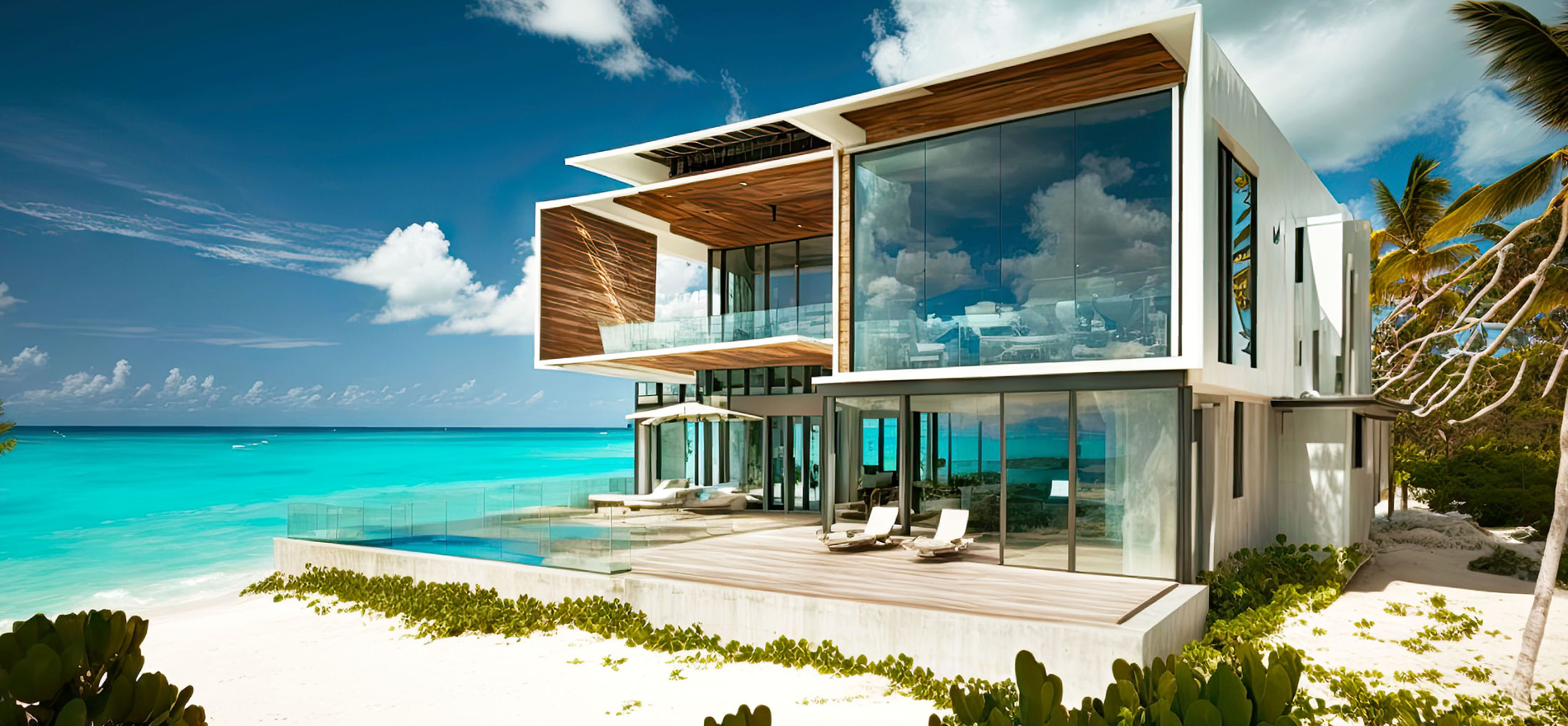
Effortless Living shows how a complete website redesign can turn complex services and content into a clearer, more intuitive experience built around real user needs.
Redesigning a complex website around clarity and usability.
The Effortless Living website was completely redesigned around clearer navigation, stronger content hierarchy, responsive UI, and a consistent visual system — bringing construction, renovation, and real estate into one cohesive experience.
- Project type
- Redesign
- Focus
- UX/UI
- Coverage
- Full site
10 / Why Kiwistic
UX/UI that works beyond the presentation.
We approach UX/UI as a practical product system — something users can understand, teams can build, and businesses can grow with.
-
Built around real users
Your experience is shaped around user needs, product goals, and real tasks — not assembled from a generic template.
-
Designed as a system
Structure, flows, screens, and components are designed to work together as one consistent product experience.
-
Clear project scope
Deliverables, timing, and investment are defined before work begins, so expectations stay clear throughout the project.
-
Ready for development
Final designs, components, prototypes, and handoff notes are organized for practical use by your development team.
11 / Investment
Know the starting point before the project begins.
Your final investment is based on the agreed scope. Before work starts, we confirm what is included, how long it should take, and what the project will cost.
1,500
A focused starting point for a complete UX/UI design project. Final pricing is confirmed after the project scope is defined.
Start a UX/UI projectWhat to expect
- Project type
- UX/UI design
- Typical timeline
- 3–6 weeks
- Deliverables
- Defined around your scope
- Final investment
- Confirmed before start
No surprise additions. If the scope changes, the impact on timing or investment is discussed before additional work begins.
12 / FAQ
A few things you may want to know first.
Clear answers about scope, timing, deliverables, and how the UX/UI design project works before you decide to move forward.
What is included in a UX/UI design project?
The exact deliverables depend on the scope we agree before the project begins. A typical project can include UX structure, user flows, wireframes, desktop and mobile UI design, an interactive prototype, a basic design system, and handoff notes.
Can the project scope be smaller?
Yes. The scope is tailored to what your product actually needs. We can focus on selected flows, screens, features, or specific UX/UI improvements instead of redesigning the entire product.
Can you redesign an existing product?
Yes. We can review the existing experience, identify usability and interface issues, and redesign the parts that need clearer structure, better flows, or a stronger visual system.
How long does the project usually take?
A typical UX/UI design project takes approximately 3–6 weeks. The final timeline depends on the agreed scope, product complexity, number of screens, and feedback turnaround.
How much does a UX/UI design project cost?
UX/UI design projects start from $1,500. The final investment is based on the agreed scope and deliverables and is confirmed before work begins.
How many revisions are included?
Review stages and revisions are defined in the project scope before we start. This keeps feedback structured and helps the product move forward around the agreed direction.
Will the designs be ready for development?
Yes. Approved screens, components, responsive layouts, and supporting notes are organized for handoff so your development team can understand and build the agreed experience.
What do you need from me before starting?
We need context about your product, goals, users, existing experience, requirements, and any useful references. You do not need to prepare a perfect UX/UI brief — we guide the questions.
Can you also design the website?
Yes. If the product also needs a marketing or business website, we can handle that as a separate web design project with its own scope, timeline, deliverables, and investment.
KW-PKG-02 / UX/UI design project
Ready to improve your product?
Tell us what you are building or improving and where the experience needs more clarity. We will help define the right scope and next steps.
Start a UX/UI project