TL;DR
WordPress ecommerce stores face constant, automated attacks — Wordfence alone blocks over 6.4 billion brute-force attempts monthly across its network.
The core defenses: keep WordPress, themes, and plugins updated; use strong passwords with 2FA; install a reputable security plugin (Wordfence or Sucuri); enable SSL; limit user privileges; and use PCI DSS-compliant payment gateways like Stripe or PayPal.
If you’re already showing signs of a hack, isolate the site immediately and restore from a clean backup rather than trying to patch a live, compromised store.
Introduction
Wordfence alone blocks over 6.4 billion brute-force attempts every month across its network — and roughly 13,000 WordPress sites get hacked every day. WordPress security for ecommerce isn’t optional at that scale; it’s baseline protection for your business and your customers’ data.
What’s Threatening Your WordPress Ecommerce Store?
Running a WordPress ecommerce store means you need good security. The internet has many threats, and hackers often target WordPress sites because they’re so common.
Let’s take a look at some of the most common threats:
1. Malware and Viruses:
Malware and viruses are like sneaky online diseases that can infect your website. They can steal customer info, send visitors to bad sites, and even shut down your whole store.
Viruses spread from file to file, causing all kinds of chaos. Keeping your site clean is crucial. You might even want to use a malware scanner or vulnerability assessment tool.
2. Hacking Attempts and Data Breaches:
Hackers are constantly probing for weaknesses in your website’s security. If they find a way in, they can steal sensitive customer data like credit card numbers, addresses, and personal information.
A data breach can be devastating for your business’s reputation and bottom line. You might need to think about some threat intelligence to ensure it doesn’t happen to you.
3. Credit Card Fraud:
Ecommerce stores are prime targets for credit card fraud. Criminals use stolen credit card numbers to make purchases, leaving you responsible for chargebacks and potential legal trouble.
This is why PCI DSS compliance is so important for your secure payment gateway.
4. DDoS Attacks and The Traffic Jams:
DDoS attacks can stop real customers from reaching your website. Hackers flood your site with fake traffic to crash it. Imagine trying to shop at a store that’s completely packed – that’s what a DDoS attack does. You might need a DDoS protection.
5. Consequences of Security Breaches:
A security breach can have serious consequences for your WordPress ecommerce store. Besides the financial losses from stolen data and fraudulent transactions, you’ll also face:
- Damaged Reputation: Customers are less likely to trust a store that has been hacked.
- Legal Trouble: You may be liable for damages if customer data is compromised.
- Lost Revenue: Downtime and loss of customer trust can lead to a significant drop in sales.
- High Recovery Costs: Cleaning up a hacked website can be expensive and time-consuming.
Essential WordPress Security Best Practices
Now that you understand the threats, let’s get practical. Here are the essential steps you can take right now to fortify your WordPress security for ecommerce:
1. Core Security Measures: Laying the Foundation
These are the bedrock security practices that every WordPress ecommerce site must implement.
a. Keep WordPress Core, Themes, and Plugins Updated: Patching the Holes
Think of updates as patching potholes in a road. WordPress, themes, and plugins are constantly being improved, and these updates often include critical security fixes.
Outdated software is like an open invitation for hackers.
Why Updates Are Crucial: Updates address known vulnerabilities that hackers can exploit. Delaying updates puts your site at risk.
Automatic vs. Manual Updates: WordPress can update itself sometimes. But for big updates, it’s best to do it yourself.
This helps make sure everything still works right. Before any update, regular backups are an absolute must!
b. Use Strong Passwords and Two-Factor Authentication (2FA): Double the Protection
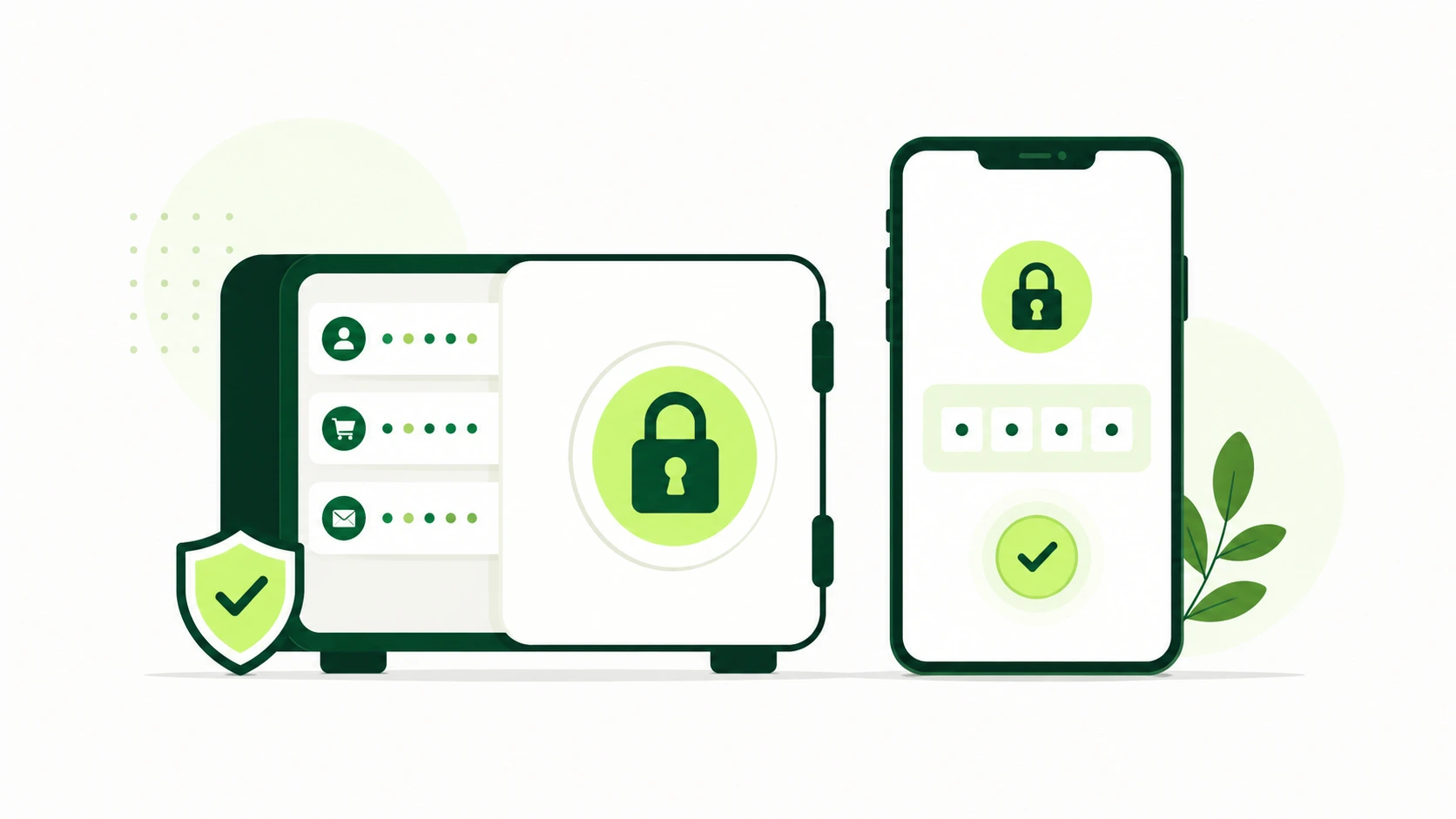
Password Best Practices: Make your passwords strong! Use at least 12 letters, numbers, and symbols.
Implementing 2FA on WordPress: Two-factor authentication adds an extra layer of security by requiring a second verification method (usually a code sent to your phone) in addition to your password.
Use a plugin like Google Authenticator or Authy to enable 2FA on your WordPress accounts.
c. Choose a Secure Hosting Provider: The Digital Neighborhood
Your hosting provider is like the neighborhood your store is located in. You want a safe and reliable neighborhood with security guards on patrol.
Look for hosting providers that offer features like:
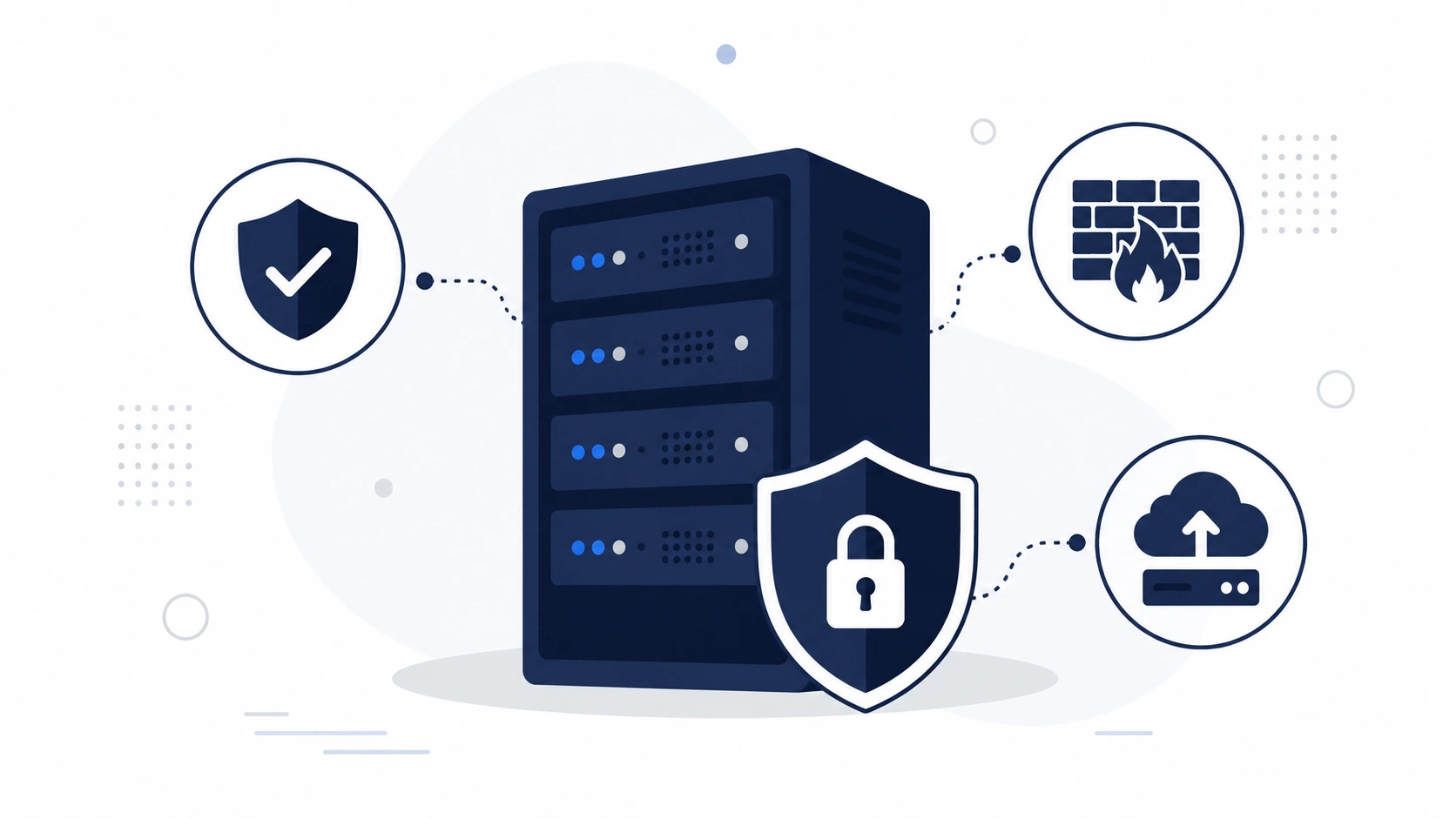
- Firewalls: To block malicious traffic.
- Malware Scanning: To detect and remove malware.
- Intrusion Detection Systems (IDS): To monitor for suspicious activity.
- DDoS Protection: To protect against DDoS attacks.
- Automatic Backups: For easy recovery in case of a disaster.
d. Install an SSL Certificate: Encrypting Your Data
An SSL certificate creates a secure connection between your website and your visitors, protecting their information.

What is an SSL Certificate and Why is it Important? An SSL certificate ensures that sensitive information like credit card numbers and personal data is protected from eavesdropping.
Google also favors websites with SSL certificates (HTTPS) in its search rankings.
How to Install an SSL Certificate on WordPress: Most hosting providers offer free SSL certificates (e.g., Let’s Encrypt).
You can usually install it with just a few clicks from your hosting control panel.
2. Plugin Security: Choosing Your Allies Wisely
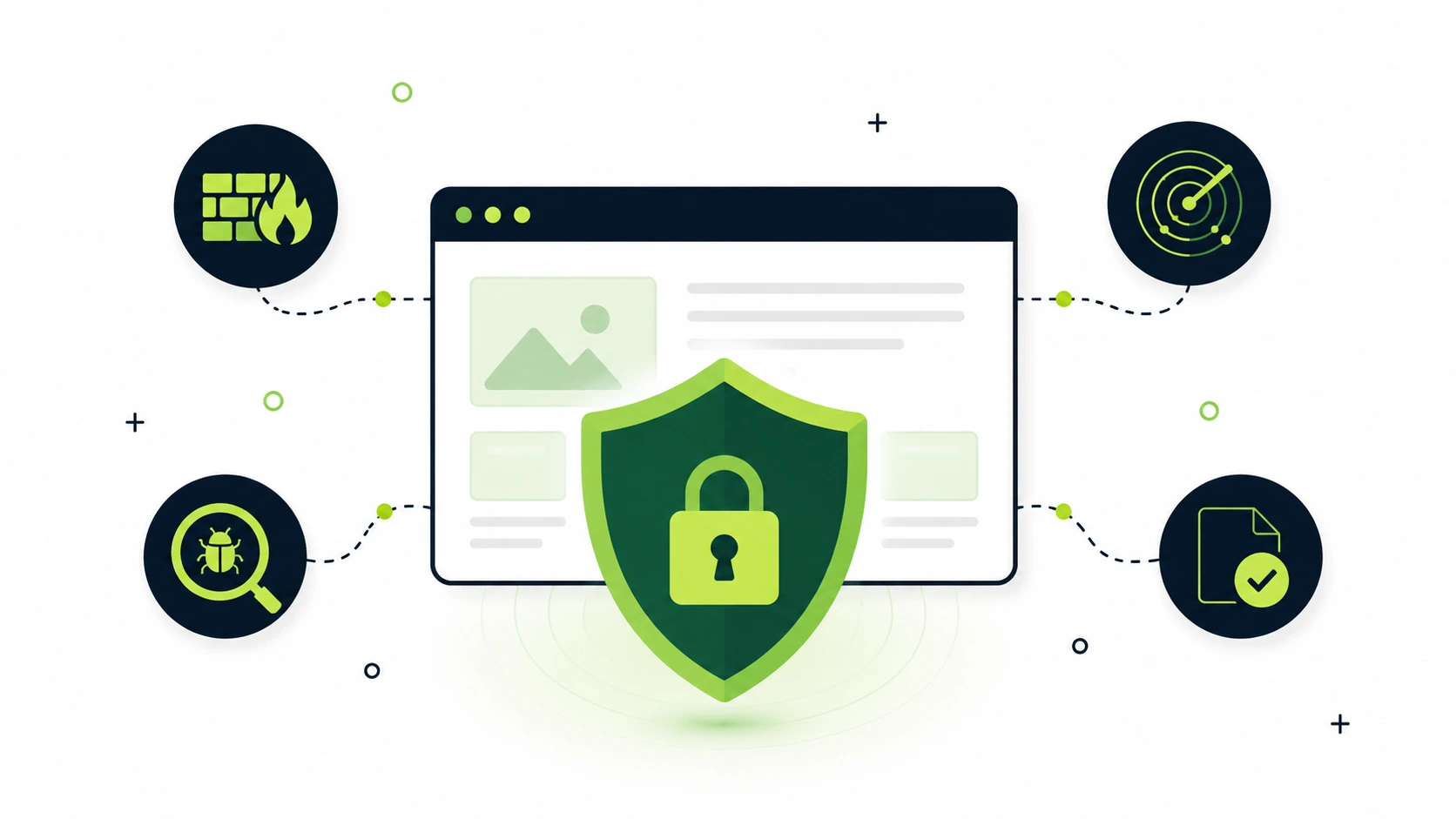
a. Choose Reputable Security Plugins: The Trusted Protectors
Just like you’d research a contractor before hiring them, research your security plugins.
Research and Reviews: Read reviews and check the plugin’s rating, number of active installations, and update frequency.
Examples:
Wordfence: A comprehensive security plugin with a firewall, malware scanner, and intrusion detection system.
Sucuri Security: A website security platform with a malware scanner, firewall, and hack cleanup services.
Jetpack: A multi-purpose plugin with security features like brute force protection and malware scanning.
b. Regularly Scan for Malware and Vulnerabilities: Detecting Hidden Dangers
Think of this as a regular checkup for your website.
There are two kinds of security scanners: some run on your website, and others check it from the outside. Both types of scanners can be valuable for detecting malware and vulnerabilities.
c. Limit the Number of Plugins: Less is More
Every plugin you install adds potential attack vectors.
Deactivate and Delete Unused Plugins: Regularly review your plugins and remove any that you’re not actively using.
d. Keep Track of Plugin Updates and Security Patches
Outdated plugins are a major security risk.
3. User Account Security: Protecting Your Access Points

a. Limit User Privileges: Control the Access
User Roles and Permissions: WordPress has different user roles (Administrator, Editor, Author, Contributor, Subscriber) with varying levels of access. Assign the appropriate role to each user based on their responsibilities.
b. Monitor User Activity: Keep an Eye on Things
Activity Logging Plugins: Use a plugin like WP Activity Log to track user activity and identify suspicious behavior.
Enforce Strong Password Policies: Require the same standards covered earlier in this guide — 12+ characters, no reused passwords, and two-factor authentication enabled for every account with access.
Regularly Review and Remove Inactive User Accounts Inactive accounts are like unlocked doors — a former employee or contractor’s login that’s never been deactivated is one of the easiest ways in for an attacker.
4. Payment Security: Securing the Transactions
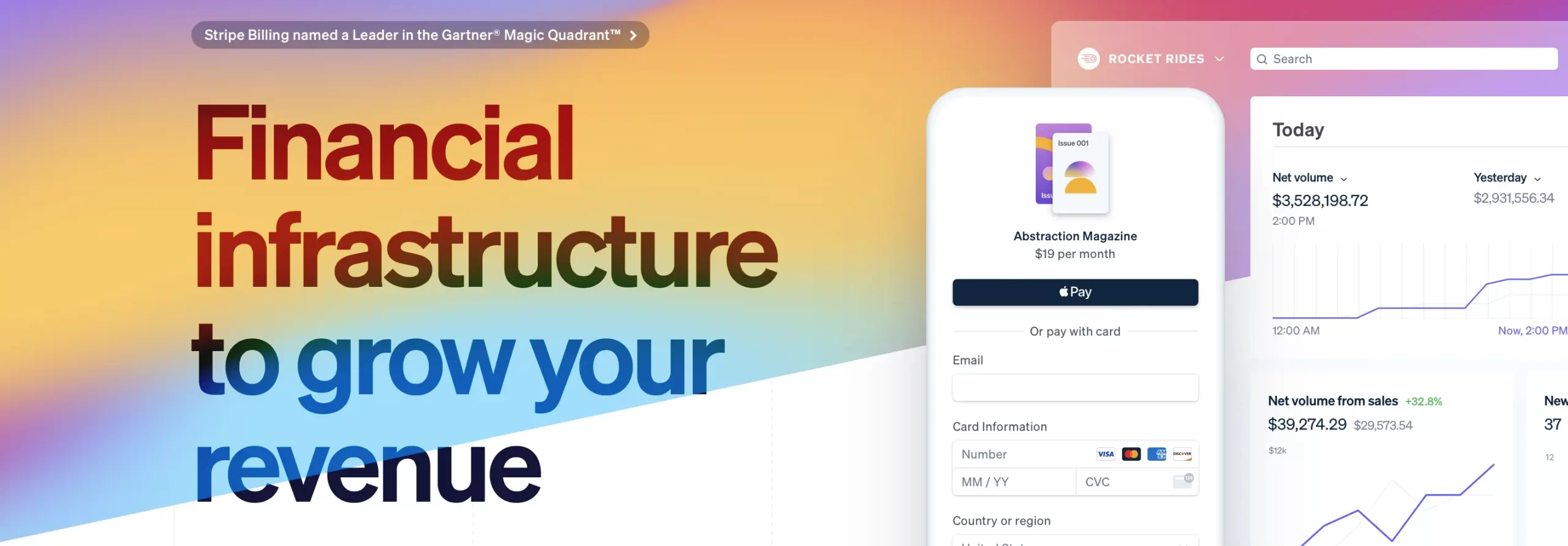
a. Comply with PCI DSS Standards: The Industry Standard
What is PCI DSS and Why is it Important? PCI DSS compliance is required for any business that accepts credit card payments. Failing to comply can result in fines and penalties.
b. Use a Secure Payment Gateway: Trusted Intermediaries
Popular and Trusted Payment Gateways: PayPal, Stripe, Authorize.net
c. Implement Fraud Prevention Measures: Stopping the Scammers
Address Verification System (AVS): Verifies the billing address provided by the customer with the address on file with the credit card issuer.
Card Verification Value (CVV): Requires the customer to enter the three- or four-digit CVV code on the back of the credit card.
d. Regularly Audit Payment Processing Systems
Advanced Security Measures (Optional – Leveling Up Your Protection)
The other steps are important. But you can do even more to protect your store. These advanced steps are for stores that want the best security.
1. Web Application Firewall (WAF): The Frontline Defender
A WAF is like a specialized firewall that protects your website from application-layer attacks, such as SQL injection and cross-site scripting (XSS).
It sits between your website and the internet, filtering out malicious traffic before it reaches your server.
Think of it as a bodyguard for your website. Several WordPress security plugins offer WAF capabilities.
2. Intrusion Detection System (IDS): The Silent Watcher
An IDS monitors your website for suspicious activity and alerts you to potential security breaches. It’s like a security alarm system for your digital storefront.
3. File Integrity Monitoring: Tracking Changes
File integrity monitoring (FIM) tracks changes to your website’s files and alerts you to any unauthorized modifications.
This is crucial for detecting malware infections and identifying compromised files. Think of it as a security camera that watches over your website’s files.
4. Regular Security Audits by Professionals: Expert Eyes
Hiring a professional for regular security audits is like getting a thorough checkup from a doctor — ongoing WordPress maintenance typically includes exactly this kind of proactive review, not just reactive fixes after something breaks.
A security expert can identify vulnerabilities that you might miss and provide recommendations for improving your overall security posture.
Recovering from a Hack: When the Worst Happens (And How to Bounce Back)
Immediate Steps to Take: Time is of the Essence
1. Isolate the Infected Site: Take your website offline immediately to prevent further damage and prevent the spread of malware to your visitors.
You can do this by putting up a maintenance page or temporarily disabling your website.
2. Contact Your Hosting Provider: Notify your hosting provider immediately about the security breach.
They can provide valuable assistance with isolating the infected site and restoring from a backup.
3. Change All Passwords: Immediately change all passwords for your WordPress accounts, hosting accounts, database accounts, and email accounts. Use strong, unique passwords.
4. Scan for Malware: Use a reputable malware scanner to identify and remove any malicious files from your website.
5. Restore from a Backup: If you have a recent backup of your website, restore it to a clean state.
Make sure the backup is from before the site was compromised. Regular backups are a lifesaver in situations like this.
Preventing Future Attacks: Learning from Experience

- Identify the Vulnerability: Determine how the hackers gained access to your website. This might involve analyzing your server logs, reviewing your security plugins, and consulting with a security expert.
- Patch the Vulnerability: Once you’ve identified the vulnerability, take steps to fix it.
This might involve updating your WordPress core, themes, and plugins, tightening your user account security, and implementing additional security measures.
- Implement Ongoing Monitoring: Continuously monitor your website for suspicious activity and security vulnerabilities.
Use security plugins, WAFs, and intrusion detection systems to stay ahead of potential threats.
- Educate Yourself and Your Team: Stay up-to-date on the latest WordPress security threats and best practices.
Attend security webinars, read security blogs, and train your team on how to identify and prevent security breaches.
Conclusion
If putting all of this in place feels like more than you want to manage yourself, reach out to Kiwistic for a security consultation — we’ll assess what’s already in place and what actually needs attention, rather than a generic checklist applied to every site the same way.