Home / WordPress Guides / Performance & Optimization / Leverage AI for Smarter WordPress Content Creation

Leverage AI for Smarter WordPress Content Creation

TABLE OF CONTENTS

Free WordPress Site Review

Is your WordPress setup ready for what 2026 demands?

TL;DR

AI tools can speed up WordPress content creation — drafting, SEO optimization, and content management but they work best as an assistant, not a replacement for human judgment.

Rank Math SEO (AI-powered SEO suggestions), GetGenie AI (SEO-aware drafting), and AIOSEO (AI titles/meta) are solid, currently maintained options. Always edit AI output for accuracy and your own brand voice before publishing, and double-check that any AI plugin you install is still actively maintained, since this space moves fast and tools get discontinued often.

Writing, optimizing, and organizing content for a WordPress site takes real time — research, drafting, keyword work, formatting, scheduling. AI tools now handle a meaningful chunk of that work directly inside WordPress, which is why so many plugins in this space have appeared over the past few years.

Not all of them are equal, and not all of them are still around, this space moves fast, and tools that were popular a year ago sometimes disappear or change hands entirely. What matters is picking tools that are actively maintained and using them to speed up the repetitive parts, while keeping a human editing pass before anything gets published.

This post covers what AI can actually do for WordPress content today, which tools are currently worth using, and where AI still falls short.

The Rise of AI in Content Creation

Overview of AI tools for WordPress content generation, optimization, and management
AI tools built for WordPress generally fall into three buckets, and most posts on this topic try to cover them separately — but in practice, they overlap:

Content generation: GPT-based tools draft blog posts, product descriptions, and similar content directly inside the WordPress editor. This saves time on the blank-page problem, but the output still needs a human editing pass, for accuracy, tone, and anything specific to your business that a general-purpose model won’t know.

Content optimization: Tools like Rank Math SEO analyze your draft in real time and suggest keyword placement, readability improvements, and structural fixes as you write, rather than after the fact. This is genuinely useful, it catches things a writer might miss while focused on the content itself.

Content management: AI-driven categorization, tagging, and scheduling help keep larger sites organized, though this matters far more for high-volume publishers than for a small business posting once or twice a month.

Used well, these tools free up time for strategy and actual writing quality — not because AI replaces judgment, but because it removes some of the repetitive setup work around it.

Top AI-Powered WordPress Tools

1. Rank Math SEO
RankMath-SEO

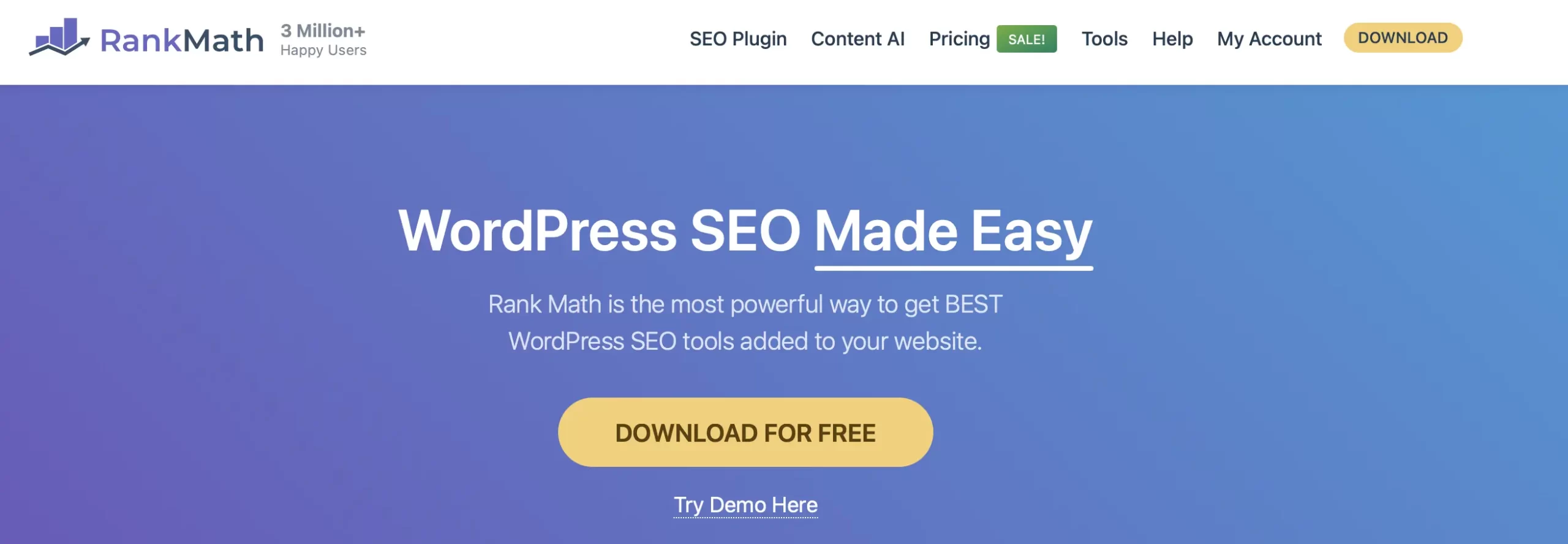
Rank Math SEO is one of the most established AI-powered SEO plugins for WordPress, and its Content AI assistant gives real-time suggestions as you write — keyword placement, readability, and content structure.

It won’t write the post for you, but it’s genuinely useful for catching optimization gaps a writer focused on the actual content might miss. For a deeper look at applying these suggestions well, see our guide on optimizing WordPress content for SEO.

2. AI Engine

Meow Apps AI Engine plugin for adding AI content tools and chatbots to WordPress

AI Engine is one of the most complete AI plugins available for WordPress in 2026 — it adds an AI chatbot, content generation, and image generation, and connects directly to your own OpenAI or Anthropic account rather than reselling API access at a markup.

The free version covers chatbot and content generation out of the box; the Pro version adds AI forms, embeddings, and cross-site chatbot support for around $79. It’s actively maintained, with a large install base and regular updates, a solid pick if you want one flexible AI tool instead of stitching together several single-purpose plugins.

3. 10Web AI Assistant

Leverage AI for Smarter WordPress Content Creation: 10Web AI Assistant

10Web AI Assistant is designed to seamlessly integrate with WordPress editors, providing robust content writing assistance.

This tool leverages AI to aid in drafting, editing, and refining content directly within the WordPress interface.

It supports various content types and gives grammar checks, style tips, and content improvements, making it easy to create quality content in WordPress.

4. GetGenie AI

Leverage AI for Smarter WordPress Content Creation: GetGenie AI

GetGenie AI excels in multi-language support and NLP-based content generation.

It helps create content in different languages and uses natural language processing to generate high-quality, engaging content.

These AI-driven WordPress tools make content creation easier and improve content quality. 

Using these tools with WordPress makes you more productive, improves SEO, and helps you create better content.

Not Sure Which AI Tools Are Actually Worth Installing?

New AI plugins launch constantly, and not all of them stick around. We can help you pick tools that fit your site and keep them running smoothly as part of ongoing maintenance.

Automating Content Creation with AI

Beyond drafting full posts, AI tools handle a few narrower but genuinely useful tasks: rephrasing existing content to avoid duplication across pages, generating topic ideas based on what’s currently trending in your niche, and flagging basic SEO issues like missing keywords or thin content.
None of these replace a content strategy — they just remove some of the manual legwork around building one.

Improving Content Strategy Using AI

AI tools can also help shape your broader content strategy, not just individual posts:

Identifying content gaps: AI tools scan your existing content and flag topics or subtopics you haven’t covered yet, which is useful for planning what to write next.

Planning future content: Based on current trends and search data, AI can suggest which topics are likely to perform well before you invest time writing them.

Understanding engagement: AI tools can analyze how visitors interact with your existing content and point out where people drop off or lose interest.

Personalizing content: For sites with returning visitors, AI can help tailor content recommendations based on past behavior — though this matters more for larger content libraries than a typical small business blog.

AI for SEO Optimization

Beyond general-purpose SEO plugins like Rank Math, tools like AIOSEO and WordLift focus specifically on structured data and semantic SEO — helping search engines (and increasingly, AI search tools) understand what your content is actually about, not just what keywords appear in it.

AIOSEO includes AI-generated titles and meta descriptions based on your actual page content, plus schema automation. WordLift focuses more on entity-based SEO — connecting your content to structured knowledge graphs, which can help with visibility in AI-generated search summaries.

Future of AI in WordPress Content Management

The most relevant near-term shift isn’t flashier automation — it’s where content shows up. AI-generated search summaries (Google’s AI Overviews, and similar features from other search engines) are increasingly answering queries directly, sometimes without the visitor ever clicking through to a website.
This changes what “optimized” content actually means. Structured data, clear Q&A formatting, and content that directly answers specific questions are what these AI systems pull from — which is part of why GEO (Generative Engine Optimization) has become as important as traditional SEO. Tools like AIOSEO and WordLift help here, but the underlying content still needs to be built with that structure in mind from the start, not bolted on afterward.

Conclusion

AI tools genuinely help with WordPress content — speeding up drafts, catching SEO gaps, and handling the repetitive parts of content management. The gains are real:

Increased efficiency: AI handles repetitive tasks, freeing up time for the parts of content creation that actually need a human — judgment, brand voice, and accuracy.

Better on-page SEO: Real-time suggestions catch optimization issues that are easy to miss while focused on the writing itself.

More targeted strategy: AI can highlight content gaps and trends faster than manual research alone.

None of this works if the tool itself disappears or falls behind — as this list evolves, we’ll keep it updated to only include actively maintained options worth your time. Keeping an eye on which plugins are still supported (and swapping out the ones that aren’t) is exactly the kind of thing ongoing WordPress maintenance covers.

FAQ

Can AI writing assistants replace human writers?
No. AI is genuinely useful for drafting, restructuring, and catching repetitive tasks, but it doesn’t understand your business, your customers, or the specific details that make content trustworthy and accurate. Every AI draft still needs a human editing pass before publishing.
Are AI-generated content ideas original?
Not inherently. AI tools generate ideas based on patterns in existing content and current trends, which means they’re good for surfacing what’s already working elsewhere — but true originality (a unique angle, real experience, or a genuinely new insight) still has to come from the person writing.
Do AI SEO tools guarantee higher search rankings?
No. Tools like Rank Math, AIOSEO, and WordLift can identify optimization issues and suggest improvements, but ranking depends on many factors outside any single tool’s control — competition, site authority, backlinks, and overall content quality among them. Treat these tools as a checklist, not a guarantee.
Is it safe to use AI-generated content on my website?
It can be, as long as it’s fact-checked and edited before publishing. The main risks are factual errors, generic phrasing that doesn’t match your brand voice, and — increasingly — publishing content built around a tool or plugin that later gets discontinued or changes hands. Always verify a plugin is actively maintained before building a workflow around it.
How do I know if a WordPress AI plugin is still worth using?
Check the plugin’s WordPress.org listing for its “last updated” date and active install count, and do a quick search for recent reviews. This space moves fast — tools that were popular a year or two ago sometimes get discontinued, sold, or abandoned, so it’s worth a five-minute check before relying on one for your content workflow.

Ognjen Velickovic

WordPress Developer & Product Manager at Kiwistic. I build and maintain WordPress sites for small businesses and troubleshoot everything from login lockouts to security issues. These guides come from real experience, so you don't have to figure it out alone.

You May Also Like…