TL;DR
- What exit-intent technology actually does and which businesses benefit most
- The 10 best exit-intent plugins for WordPress in 2026, with real pricing and honest trade-offs
- Which plugin fits which use case — WooCommerce stores, blogs, SaaS, or lead generation specifically
Introduction
The Baymard Institute’s 2026 meta-analysis of 50+ studies puts the average cart abandonment rate at 70.22% — meaning roughly 7 out of every 10 shoppers who add something to their cart leave without buying.
Enter exit-intent technology. In this guide, we’ll cover the top 10 exit-intent plugins for WordPress in 2026 — what they actually do, how to choose between them, and which one fits your specific site, whether that’s an e-commerce store or a lead-gen landing page.
What are Exit-Intent Plugins & Why Do You Need Them?
The Power of Exit-Intent: Reclaiming Lost Opportunities
- Reduce Bounce Rates: Keep visitors engaged instead of leaving prematurely.
- Capture Leads: Offer something worth an email address — a discount, a free resource, early access.
- Increase Conversions: Turn abandoning visitors into customers with a last-minute offer.
- Promote Special Offers: Highlight limited-time promotions to create urgency.
- Grow Email Lists: Build your list by offering something genuinely useful in exchange for a signup.
Use Cases: Who Benefits From Exit-Intent?
- E-commerce Stores: Recover abandoned carts and increase sales.
- Blogs: Encourage newsletter signups or point visitors to related content.
- SaaS Companies: Offer a free trial or demo before someone bounces.
- Service-Based Businesses: Prompt a quote request or consultation booking.
Key Features to Look for in an Exit-Intent Plugin
1. Ease of Use: Creating Exit-Intent Popups Should Be Simple
- Drag-and-Drop Builder: Visual editing without needing to code.
- Intuitive Interface: A clean dashboard that’s easy to navigate.
- Pre-built Templates: Professionally designed starting points.
2. Customization Options: Make Your Popups Stand Out
- Template Variety: Options for different purposes — lead capture, sales promotions, and more.
- Design Flexibility: Colors, fonts, images, and other elements that match your brand.
- A/B Testing: Test different designs and content to see what actually converts.
3. Integration Capabilities: Connect With Your Marketing Ecosystem
- Email Marketing Services: Mailchimp, ConvertKit, AWeber — new leads should flow into your list automatically.
- CRMs: Salesforce, HubSpot integration for lead nurturing and tracking.
- Analytics Platforms: Google Analytics integration to track popup performance.
4. Targeting Options: Show the Right Popup to the Right Visitor
- Device-Specific Targeting: Different popups for desktop vs. mobile.
- Page-Level Targeting: Show popups only on specific pages.
- Referral Source Targeting: Different messaging for visitors from social vs. search.
- Time on Site Targeting: Trigger only after a visitor has spent meaningful time on your site.
5. Reporting & Analytics: Track Your Popup Performance
- Popup Views: How often your popups actually display.
- Conversion Rates: The percentage of visitors completing the desired action.
- A/B Test Results: Data on which variations actually perform better.
The 10 Best Exit-Intent Plugins for WordPress in 2025
1. OptinMonster
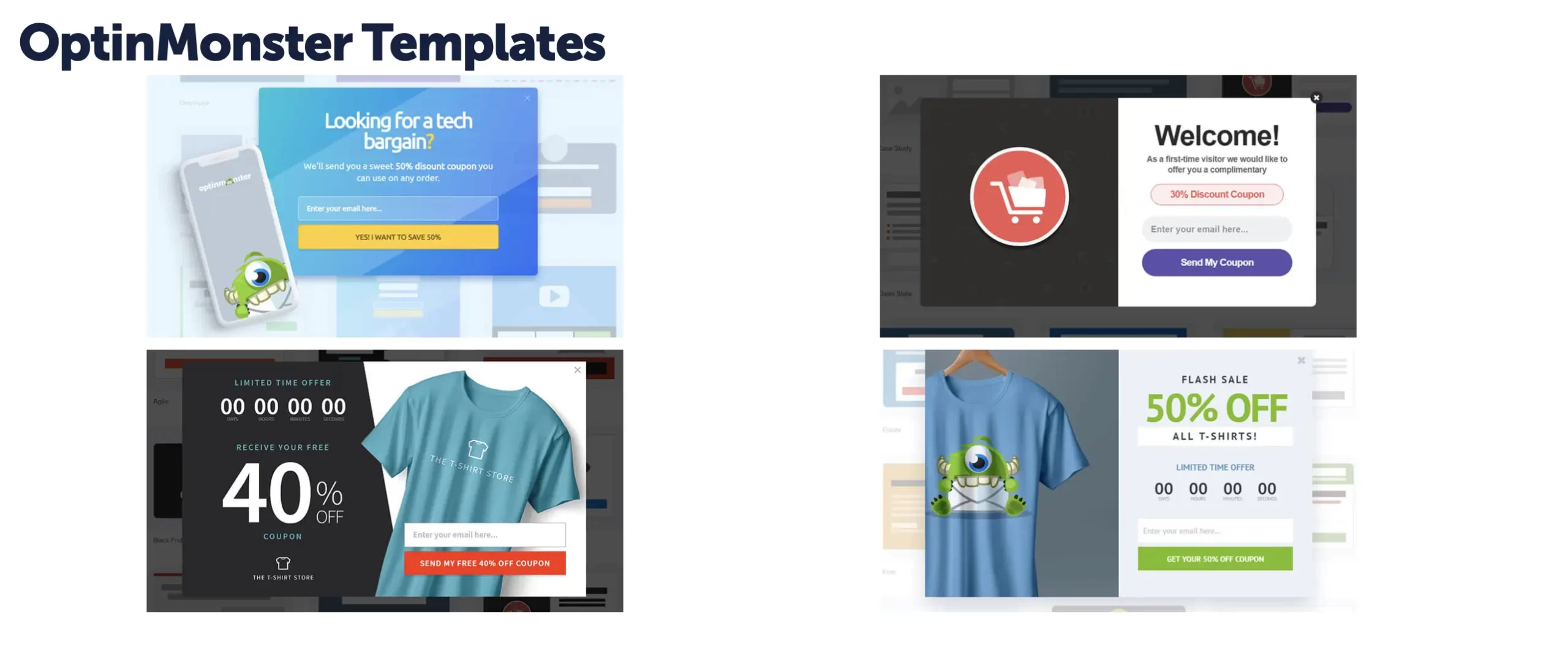
OptinMonster is a comprehensive lead generation platform trusted by brands like McAfee, American Express, and Pinterest — one of the most widely used tools in this category. It goes well beyond exit-intent, covering the full range of on-site conversion campaigns.

Key Features:
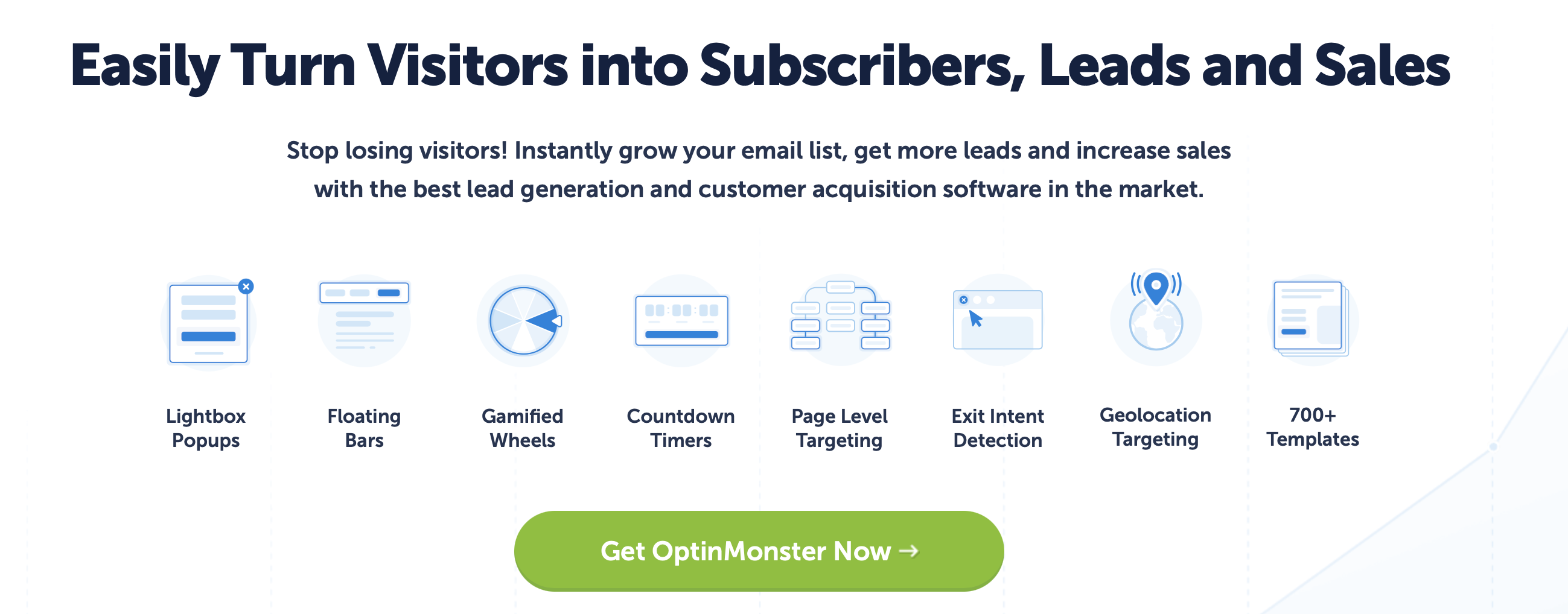
- Drag-and-drop popup builder
- Exit-intent technology
- A/B testing
- Page-level targeting
- Integration with popular email marketing services
Pros:
- Extremely versatile with a wide range of campaign types
- User-friendly interface
- Excellent A/B testing capabilities
- Robust targeting options
Cons:
- Can be more expensive than other options once you scale beyond Basic
- The sheer number of features can be overwhelming for beginners
Best For:
Businesses serious about lead generation who want one platform covering exit-intent, A/B testing, and multi-channel campaigns instead of stitching together separate tools.
Pricing (2026):
OptinMonster’s plans start at $9/month (Basic, billed annually), scaling to $19 (Plus), $29 (Pro), and $49 (Growth) — exit-intent technology specifically requires the Pro tier or higher.
2. Claspo
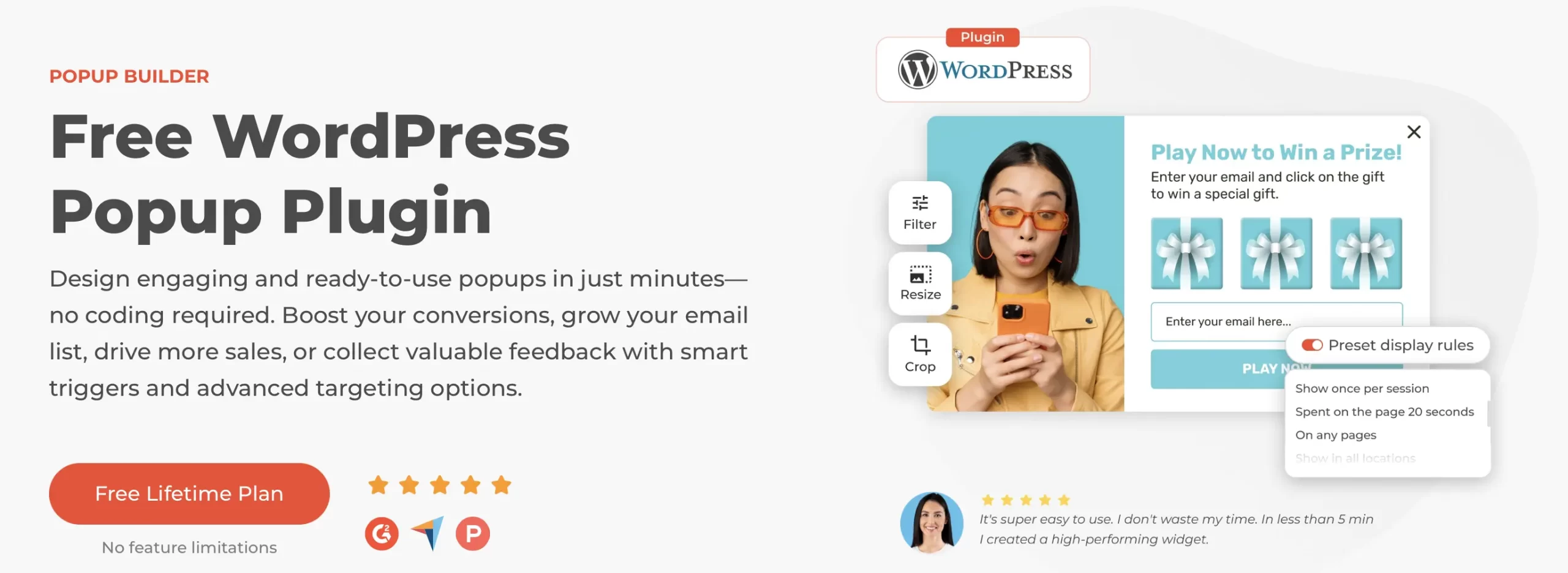
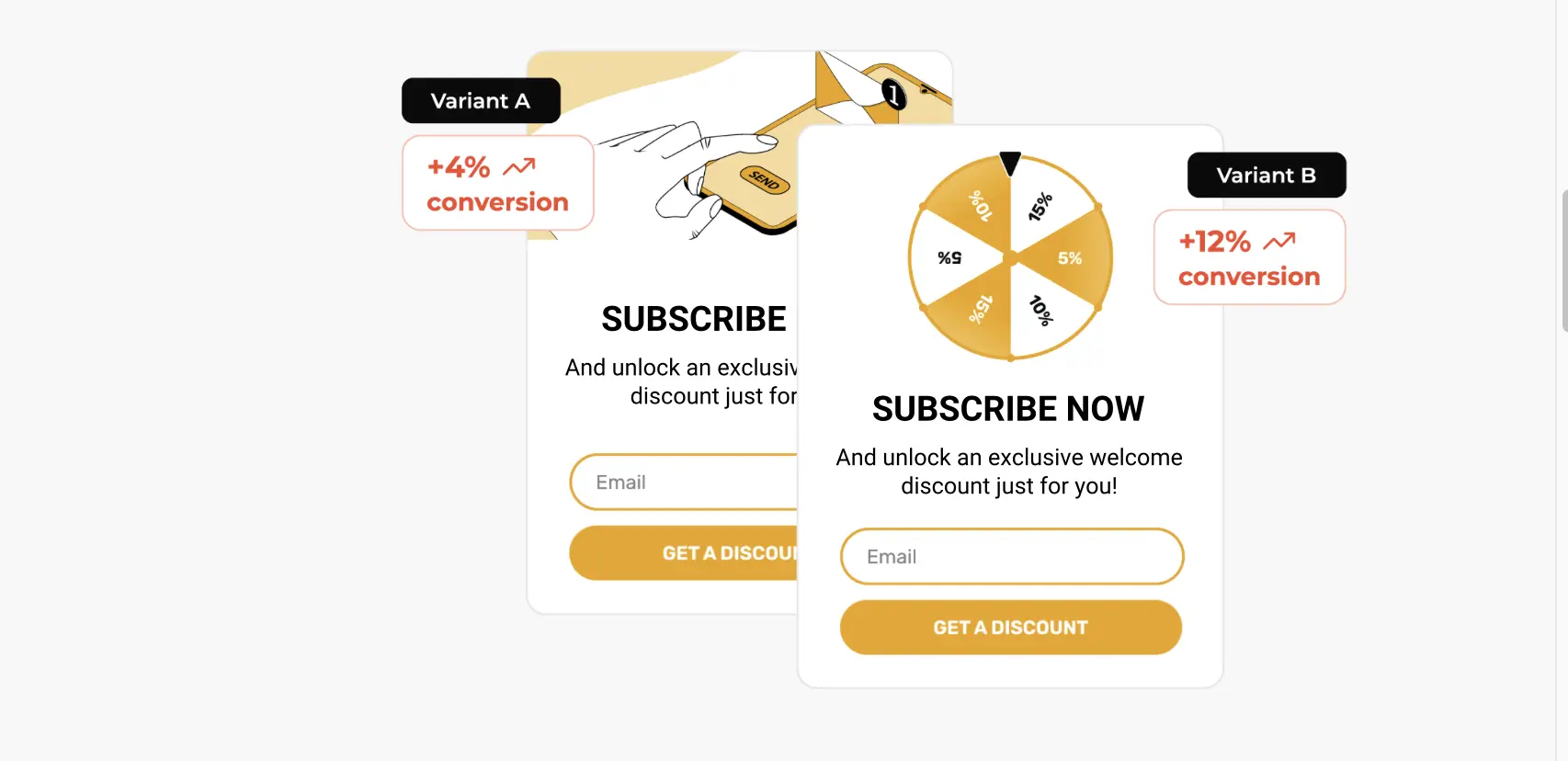
Claspo is a flexible on-site marketing platform connecting businesses with visitors through pop-ups, bars, and embedded forms — with exit-intent technology built in to recover visitors before they leave.
Key Features:
- Exit-intent popups
- Advanced targeting (including geolocation)
- 1,000+ ready-made templates
- A/B Testing
- Integration with 50+ platforms
Pros:
- Easy to use — most reviewers report full setup in under 15 minutes
- Wide range of targeting options including geolocation
- AI-powered popup copywriter and one-click brand color matching
- Multilingual widgets
Cons:
- Free tier is genuinely functional, but paid plans now start meaningfully higher than in 2025
- Relatively new platform compared to established players like OptinMonster, though G2 reviews are strong (5.0 average)

Best For:
Small to medium-sized businesses that want strong targeting and quick setup without a steep learning curve — particularly appealing to anyone who’s found OptinMonster’s interface or pricing frustrating in the past.
Pricing (2026):
Claspo offers a genuinely usable free plan, with paid plans starting at $29/month (50,000 pageviews, removes branding, adds priority support), scaling up to $299/month for 2,000,000 pageviews across unlimited sites.
3. Retainful
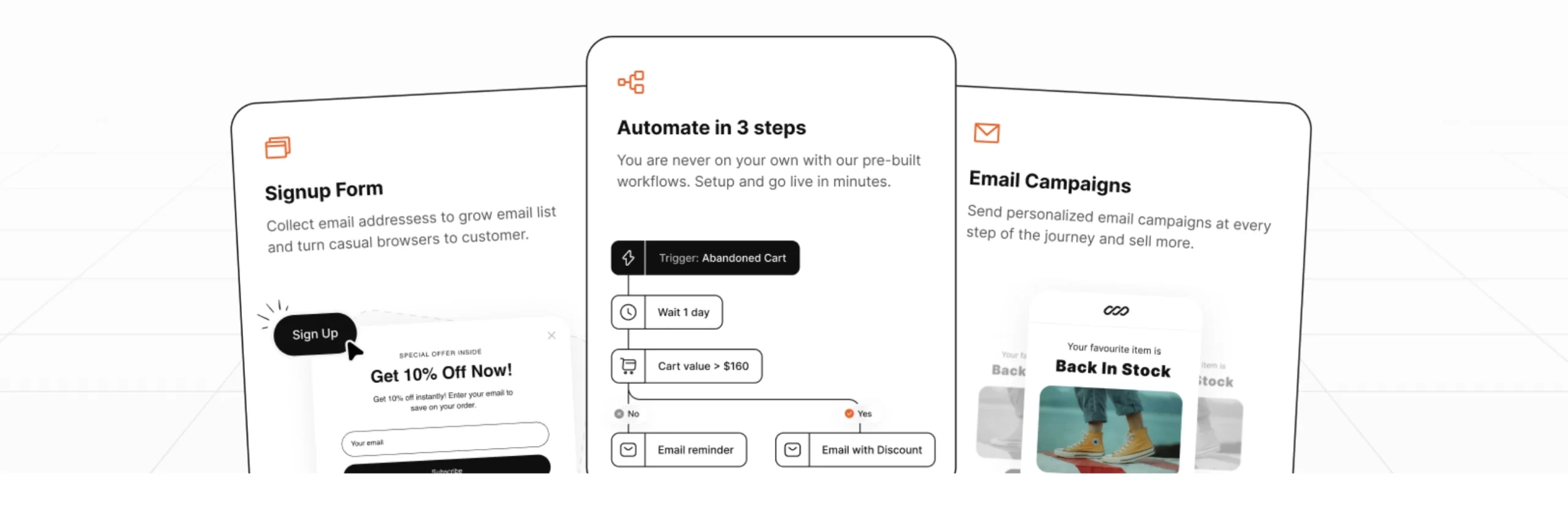
Retainful is best known for its abandoned cart recovery emails, but it’s built specifically for WooCommerce with strong exit-intent popup features on top — designed to stop cart abandonment before it happens, not just recover it afterward.
What’s new: Retainful now covers SMS and WhatsApp recovery alongside email, not just email alone, plus a “pending order recovery” feature that catches revenue lost to failed payments — a gap most abandoned cart plugins don’t address at all.
Key Features:
- Exit-intent popups with cart contents
- Abandoned cart recovery emails, SMS, and WhatsApp
- Pending order (failed payment) recovery
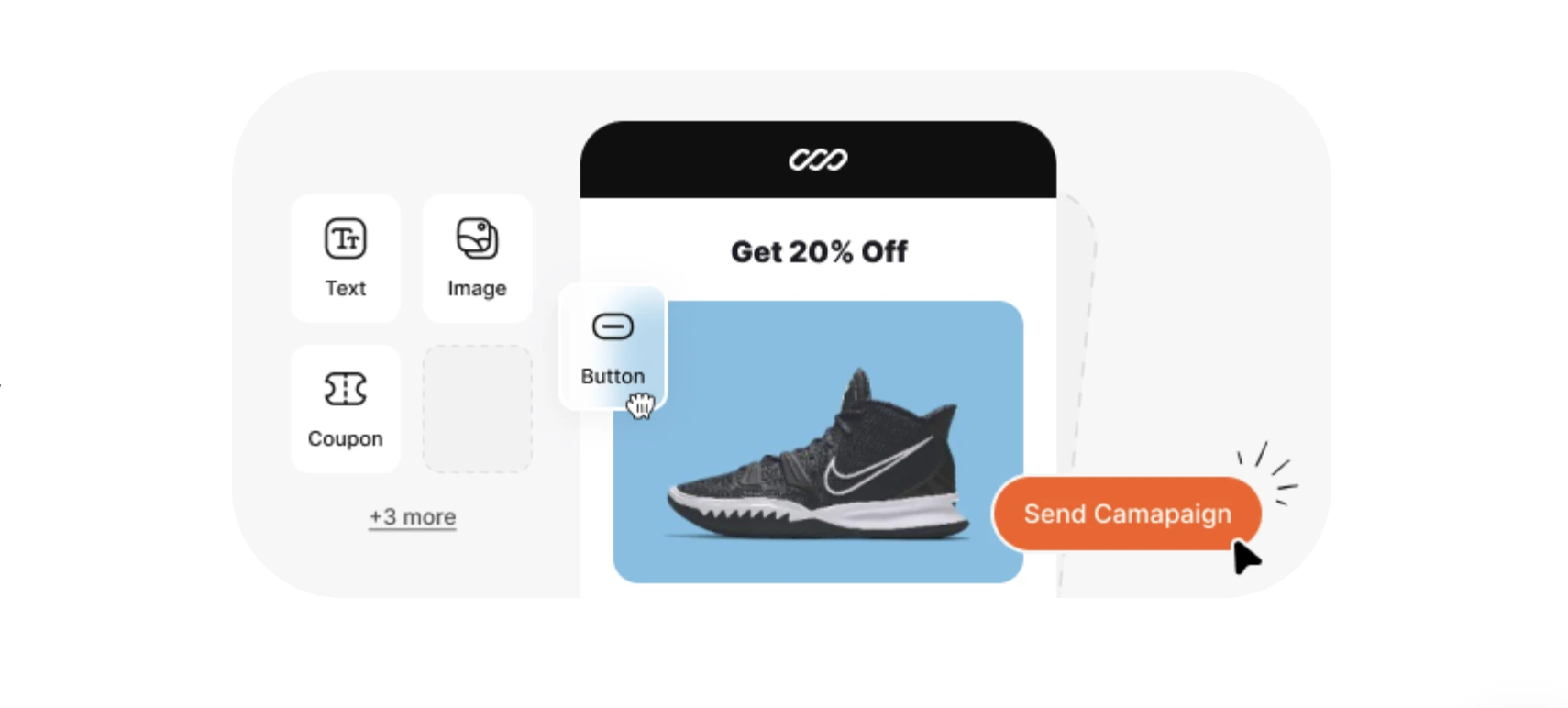
- Next-order coupons and win-back campaigns
- Native WooCommerce integration — reads cart data in real time, no external connector needed
Pros:
- Built specifically for WooCommerce since 2018 — deep, native integration, not a bolted-on connector
- Multi-channel recovery (email + SMS + WhatsApp) at a genuinely competitive price
- Effective at recovering both abandoned carts and failed payments
Cons:
- Primarily focused on e-commerce, so not suitable for non-store sites
- Free tier caps at 300 contacts — most stores will need to upgrade quickly

Best For:
WooCommerce stores that want cart recovery and exit-intent in one native tool, without connecting a separate general-purpose popup plugin to their store.
Pricing (2026):
Retainful offers a free plan (capped at 300 contacts), with paid plans now starting from $14/month — down from $19/month in 2025.
4. Hustle
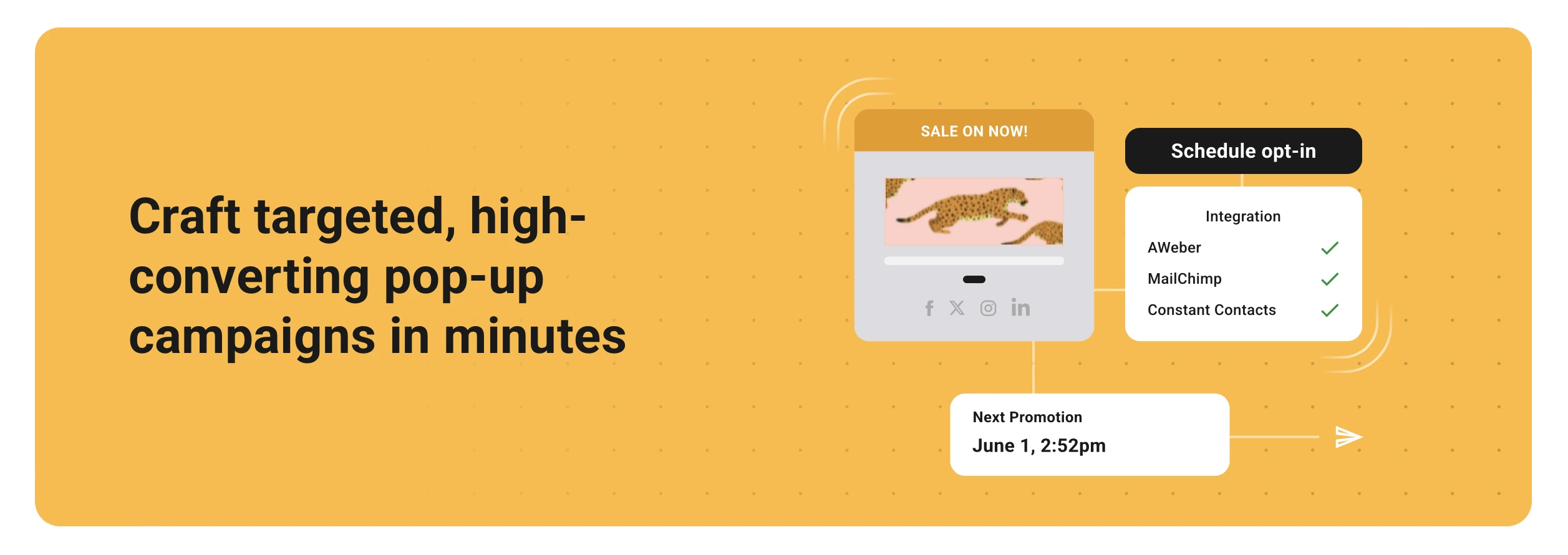
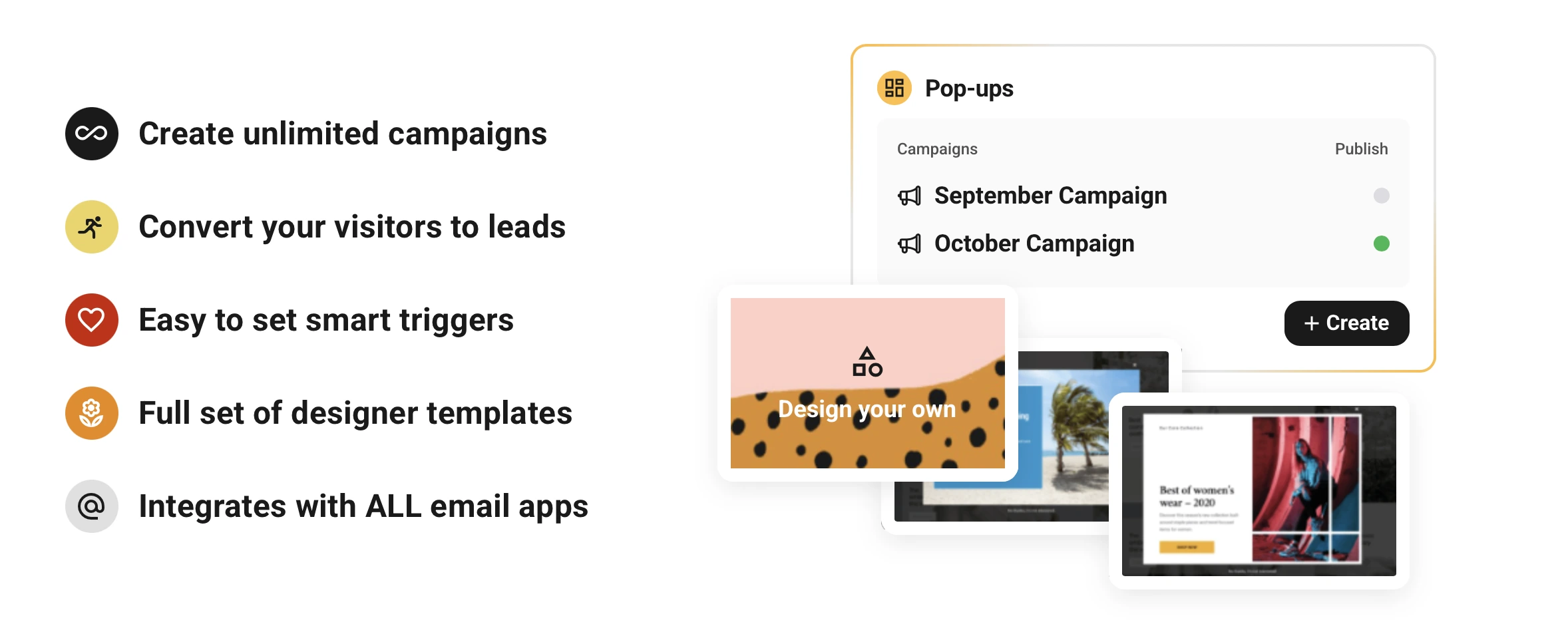
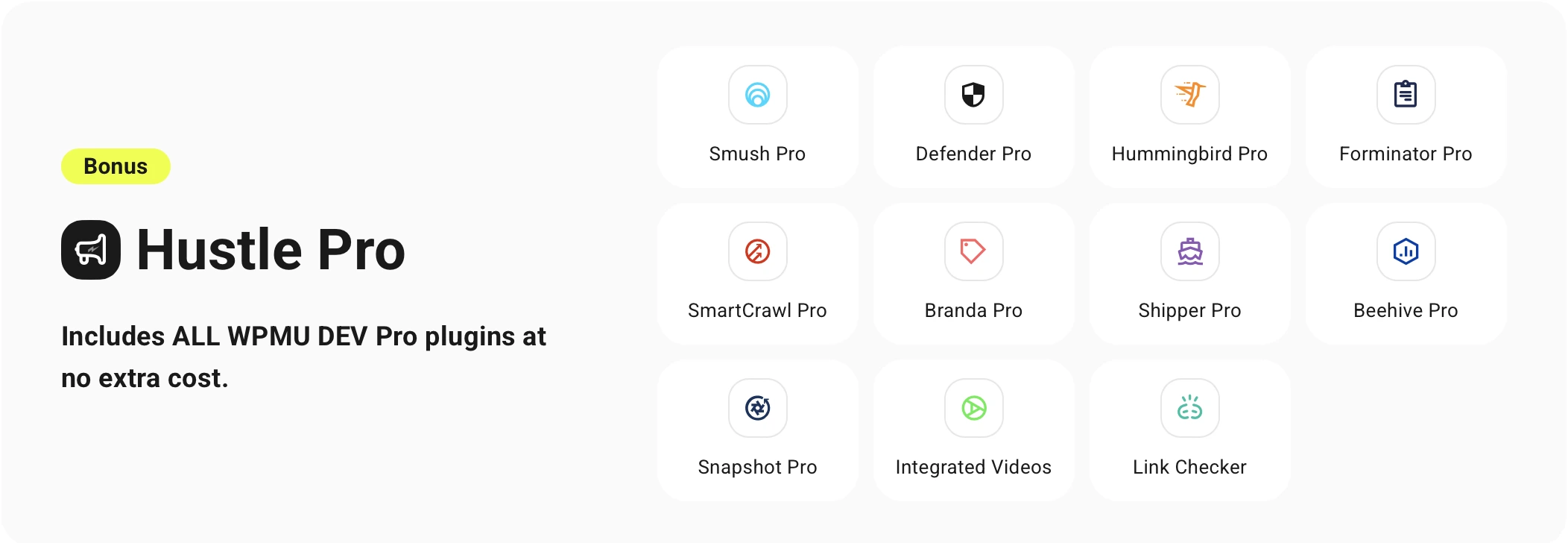
Hustle is WPMU DEV’s marketing plugin — popups, opt-in forms, slide-ins, and social sharing bars in one tool, from the same team behind Smush and Forminator.
Key Features:
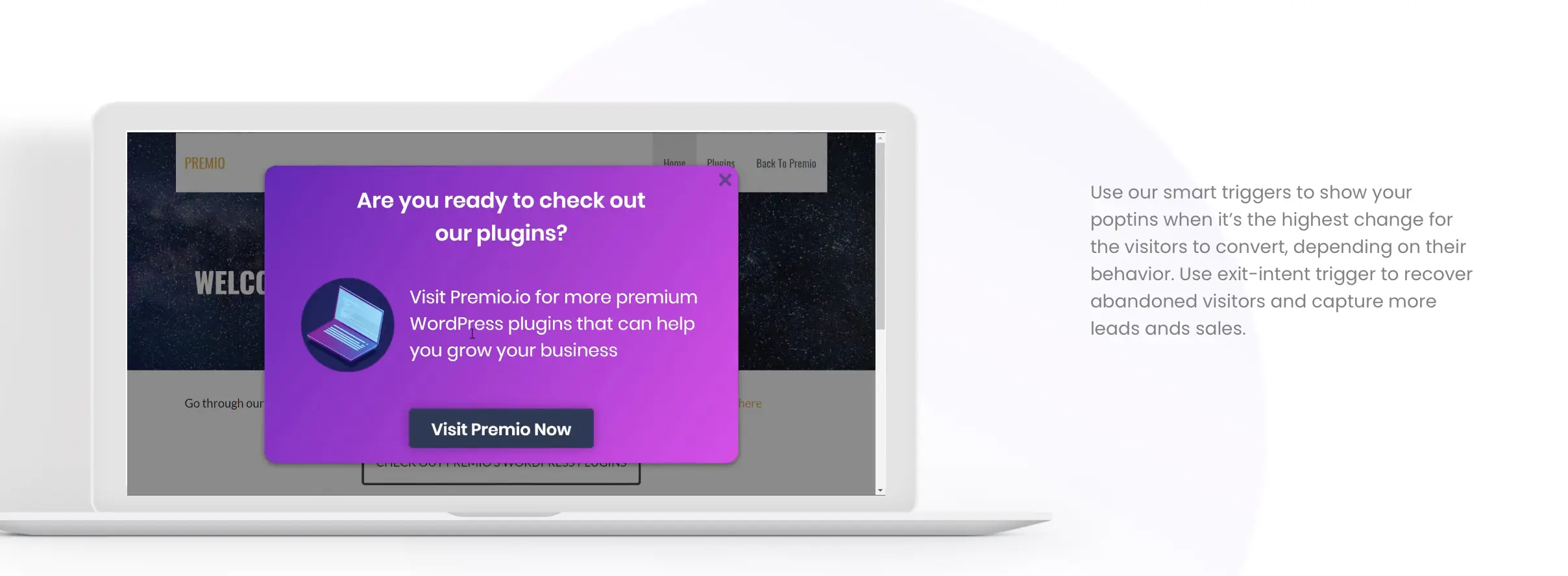
- Exit-intent popups (Pro tier required)
- Drag-and-drop popup builder
- A/B testing
- Integration with popular email marketing services (Mailchimp, HubSpot, Constant Contact)
- Part of the full WPMU DEV plugin suite
Pros:
- User-friendly interface with modern, mobile-responsive templates
- A/B testing capabilities
- Entry pricing is now dramatically more affordable than it used to be
- Same team maintains Smush and Hummingbird, so updates are consistent
Cons:
- Exit-intent isn’t available on the free tier — requires the paid upgrade
- Full value requires buying into the broader WPMU DEV bundle model
Best For:
Users already invested in the WPMU DEV ecosystem (Smush, Forminator, etc.), or anyone who wants a full marketing plugin suite rather than a single standalone tool.
Pricing (2026):
Hustle’s entry price has dropped significantly — the WPMU DEV bundle now starts at $3/month (billed annually), a major change from the $49/month full-membership price this space previously required. Exit-intent triggers and unlimited popups require this paid tier.
5. Poptin
Poptin is a dedicated popup builder with exit-intent technology, email marketing integrations, and A/B testing.

Key Features:
- Exit-intent popups
- Drag-and-drop popup builder
- A/B testing (Pro tier and above)
- Email marketing integrations
- Advanced targeting options
- Free plan available

Pros:
- User-friendly, intuitive drag-and-drop interface
- Free plan is genuinely usable for small sites
- Strong targeting and trigger options
Cons:
- Template library is thinner than competitors — around 12 templates, versus 300+ from OptiMonk or 400+ from OptinMonster
- A/B testing is locked behind the $59/month Pro tier, while several competitors include it free
- Pricing is based on monthly visitors, so a traffic spike can push you into a higher tier unexpectedly
Best For:
Businesses that want a fast, easy-to-use popup builder and don’t need a large template library or free A/B testing — best suited to smaller, steadier traffic rather than sites prone to sudden spikes.
Pricing (2026):
Free plan (1,000 visitors/month), with paid plans starting at $25/month (Basic, 10,000 visitors), scaling to $59/month (Pro, 50,000 visitors) and $119/month (Agency, 150,000 visitors).
6. Popup Maker
Popup Maker is a flexible, highly customizable popup plugin — modal windows, slide-ins, and exit-intent popups, actively maintained since 2014 with over 700,000 active installations.
Key Features:
- Exit-intent triggering (Pro tier)
- Highly customizable popup designs
- Well-documented JavaScript API for developers
- Integration with popular form plugins (Contact Form 7, Gravity Forms)
- Genuinely functional free version

Pros:
- Free tier includes unlimited popup creation and a flexible condition system — not just a limited trial
- Large community, extensive documentation, clean performance footprint
- Popular with developers thanks to its JavaScript API and clean shortcode system
Cons:
- Exit-intent detection is a paid add-on, not included free
- Admin UI feels dated compared to newer visual builders

Best For:
Developers and technically comfortable users who want deep customization and API access, and don’t mind exit-intent being a paid upgrade rather than a free feature.
Pricing (2026):
Free version available (unlimited popups, no exit-intent). Pro upgrade — required for exit-intent — starts at $87/year for a single site.
7. Getsitecontrol
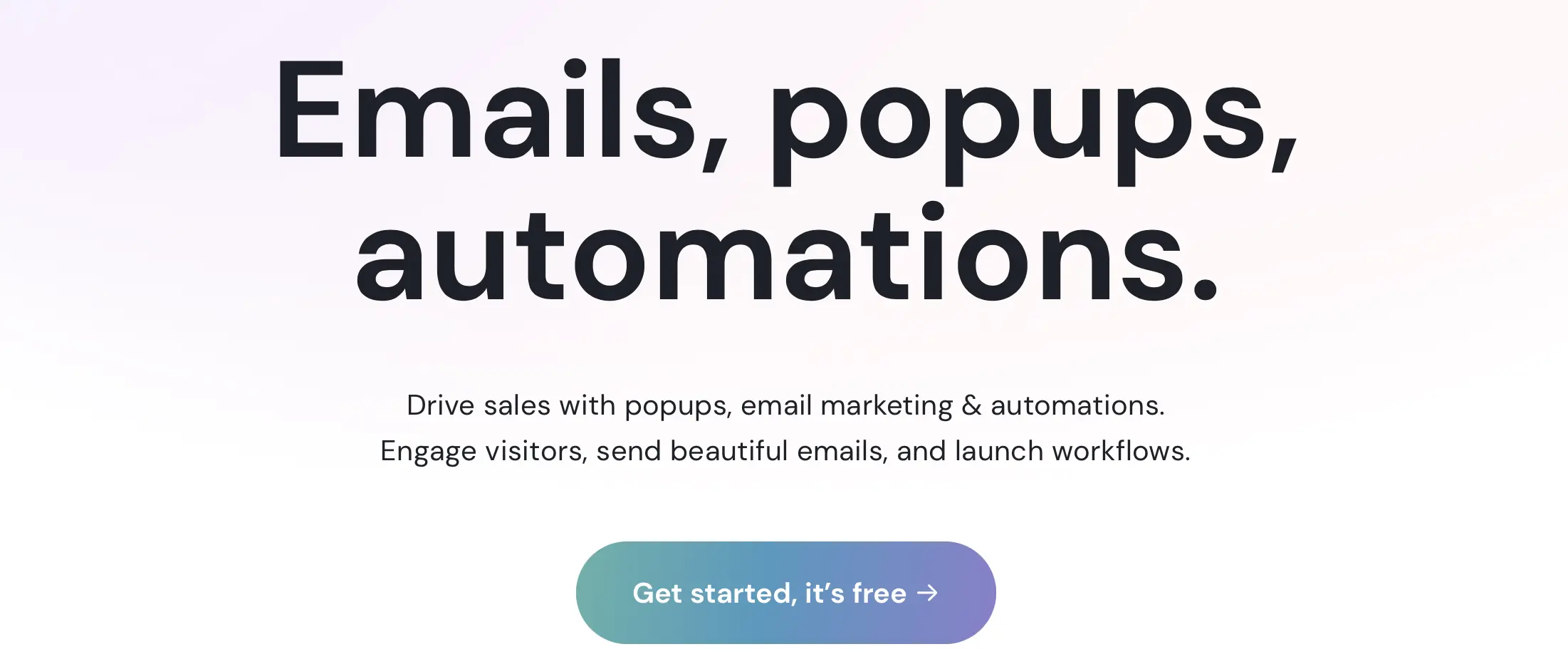
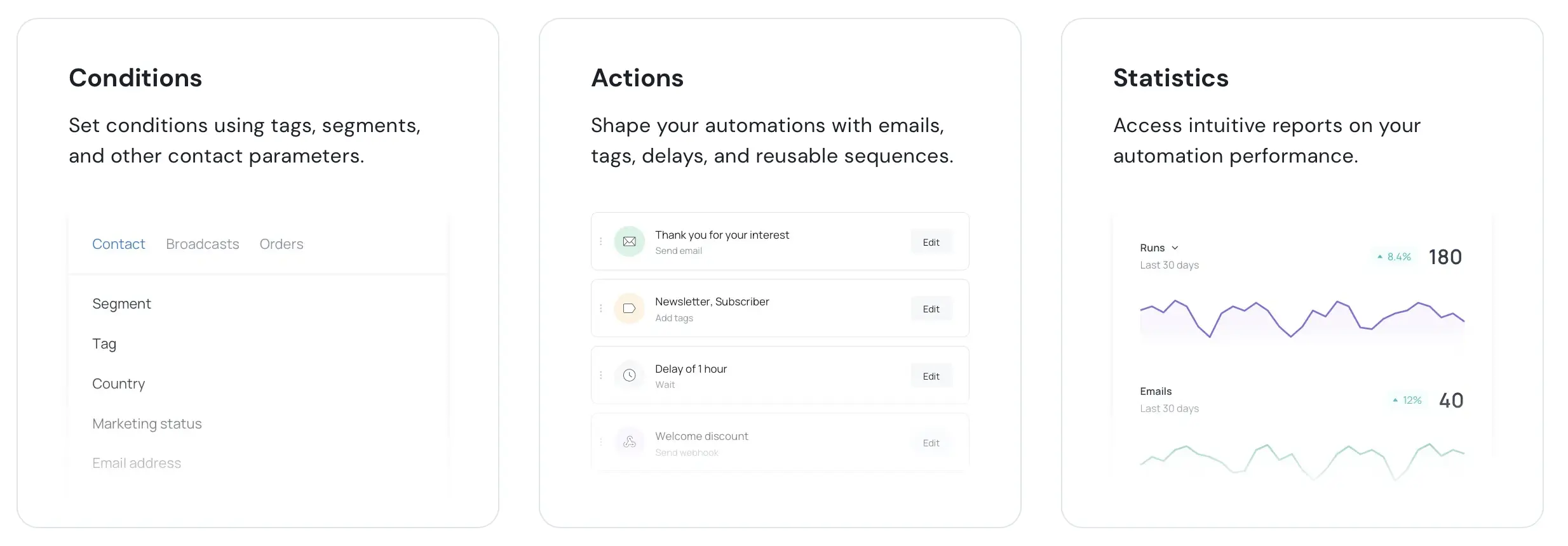
Getsitecontrol is a versatile set of website widgets — popups, forms, live chat, and email broadcasts — with effective, easy-to-customize exit-intent popups built in.
Key Features:
- Exit-intent popups
- Email subscription forms and email broadcast automation
- Live chat widgets
- A/B testing
- WordPress, Shopify, and Wix native integrations (works on any platform via embed code)
- Wide range of targeting options

Pros:
- Easy to use and implement, genuinely fast setup
- Excellent variety of widget types beyond just popups
- Solid A/B testing functionality
Cons:
- Free plan caps at 10,000 widget views/month and forces Getsitecontrol branding
- Advanced targeting is locked behind the Pro tier — the cheaper Creator plan feels limited
- Email sending costs extra on top of the subscription ($2 per 1,000 emails sent)
Best For:
Small to medium-sized businesses that want popups, forms, and email broadcasting in one platform, and are comfortable with usage-based email costs on top of the base subscription.
Pricing (2026):
Free plan (10,000 views/month, branded). Paid plans start at $9/month (Creator, limited targeting) or $19/month (Pro, 100,000 views, full targeting) — email sends billed separately at $2/1,000.
8. Icegram
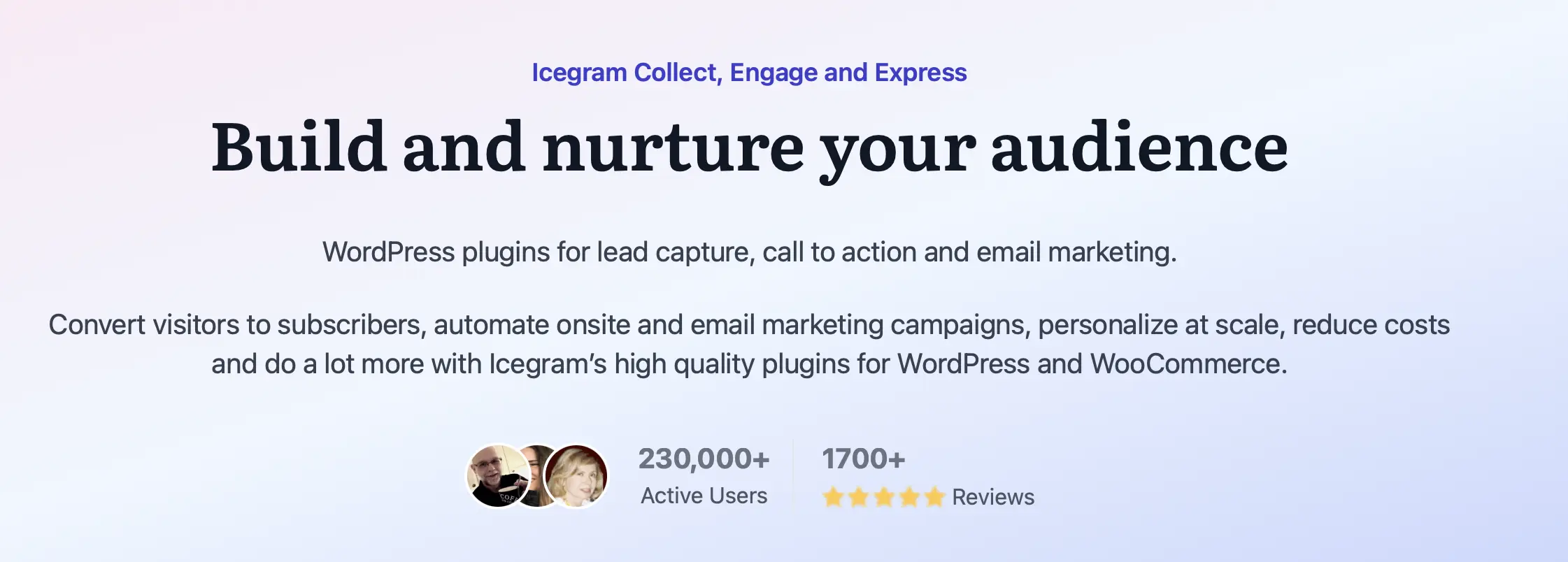
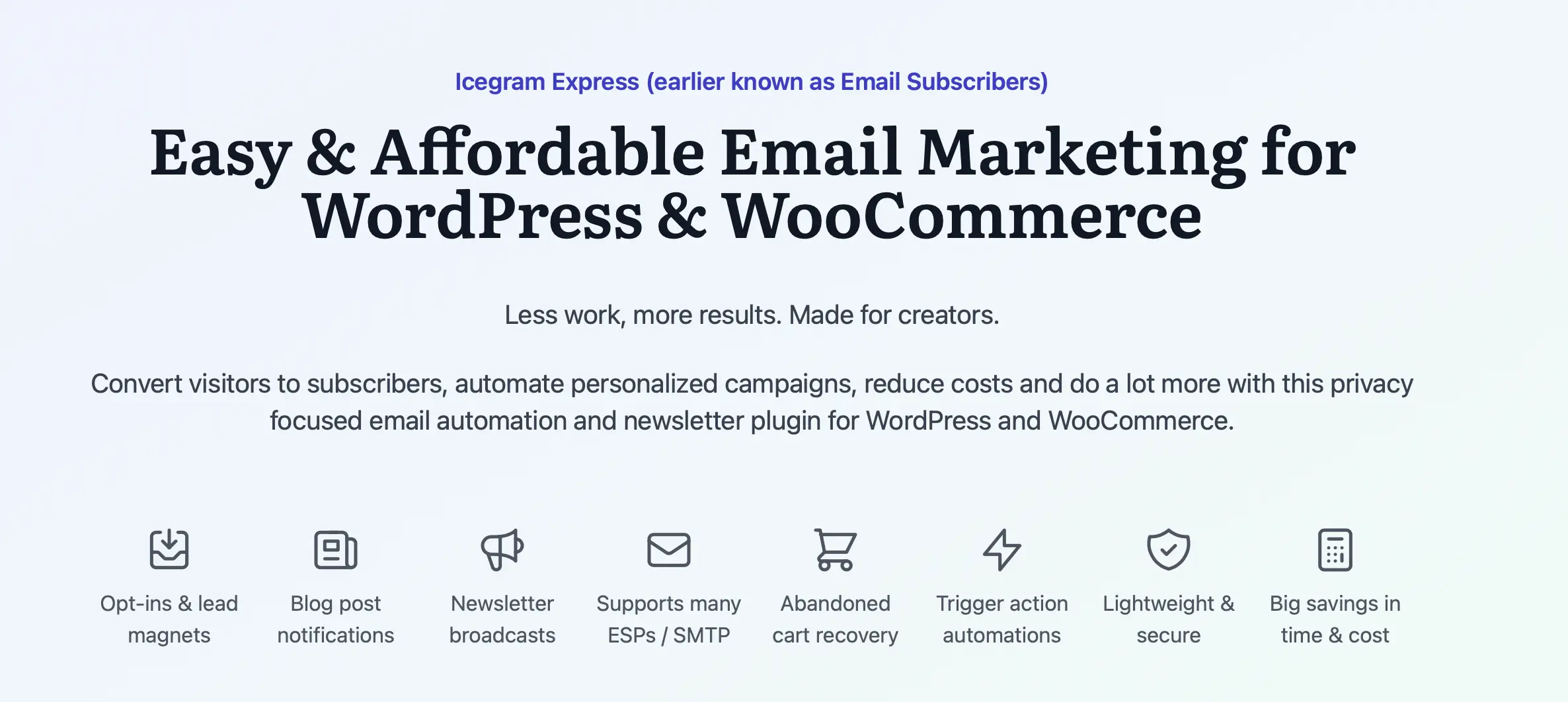
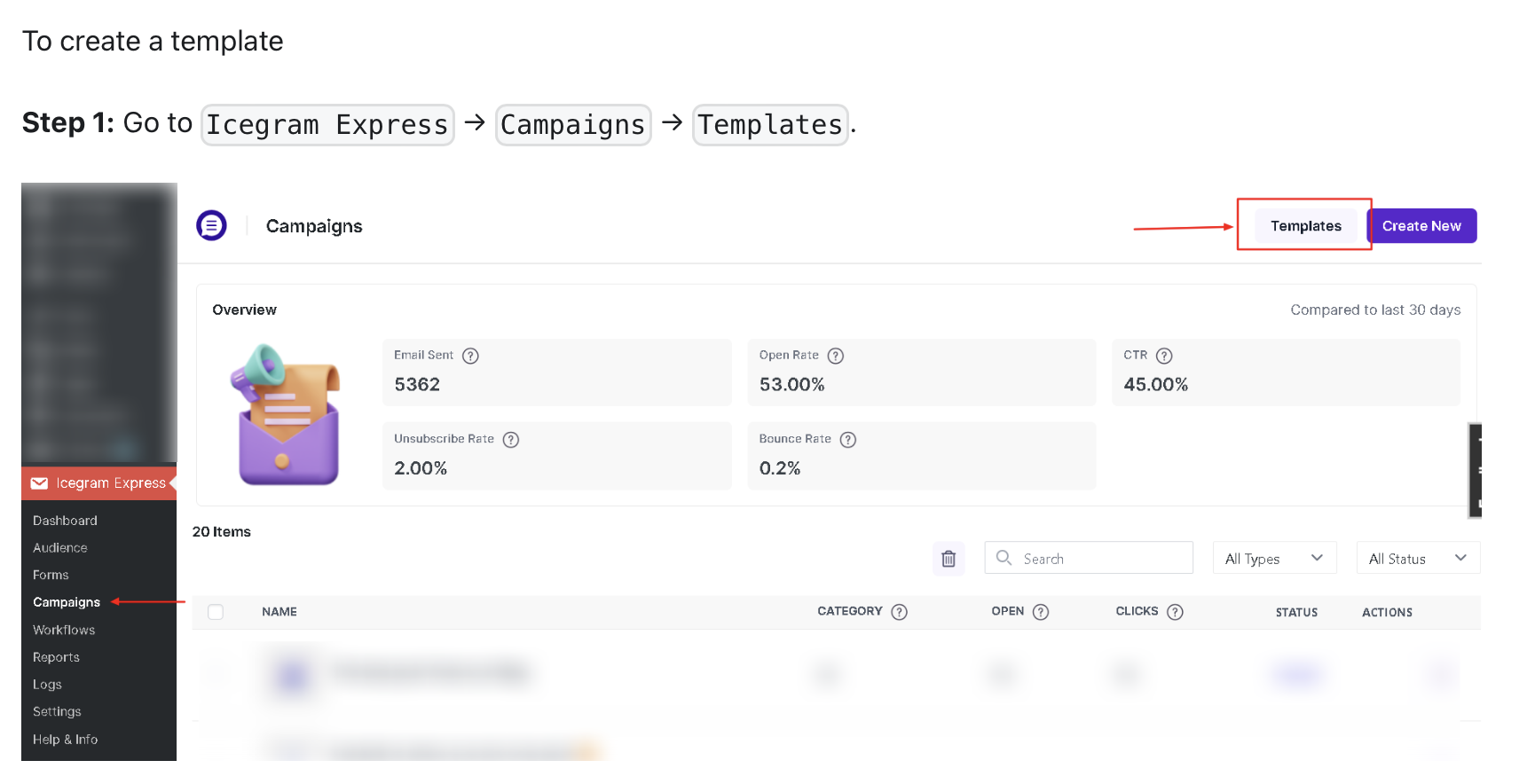
Icegram Engage (formerly just “Icegram”) offers a wide array of opt-in forms, popups, toast notifications, and action bars for capturing leads and engaging visitors.
Key Features:
- Exit-intent popups (Pro tier)
- Multiple campaign types — popups, toast notifications, action bars, inline messages, ribbons
- Opt-in forms and notification bars
- A/B testing (Pro tier)
- No traffic-based pricing penalty — unusual in this category
- Free version available
Pros:
- Doesn’t charge more as your traffic grows, unlike most competitors on this list — a real differentiator for high-traffic content sites
- Widest selection of free campaign types in this comparison
- Easy to use and set up, beginner-friendly
Cons:
- Free version has limited email marketing integrations and fewer advanced trigger options
- Interface feels less polished than newer popup builders — more manual configuration required
Best For:
Growing content sites and publishers with meaningful traffic who don’t want popup costs scaling with pageviews — the free tier alone can genuinely handle 50,000+ monthly visitors.
Pricing (2026):
Free version on WordPress.org. Pro plans start at roughly $97/year (~$9/month billed annually), with a Max plan at $289/year for cross-site campaigns.
9. Popup Builder
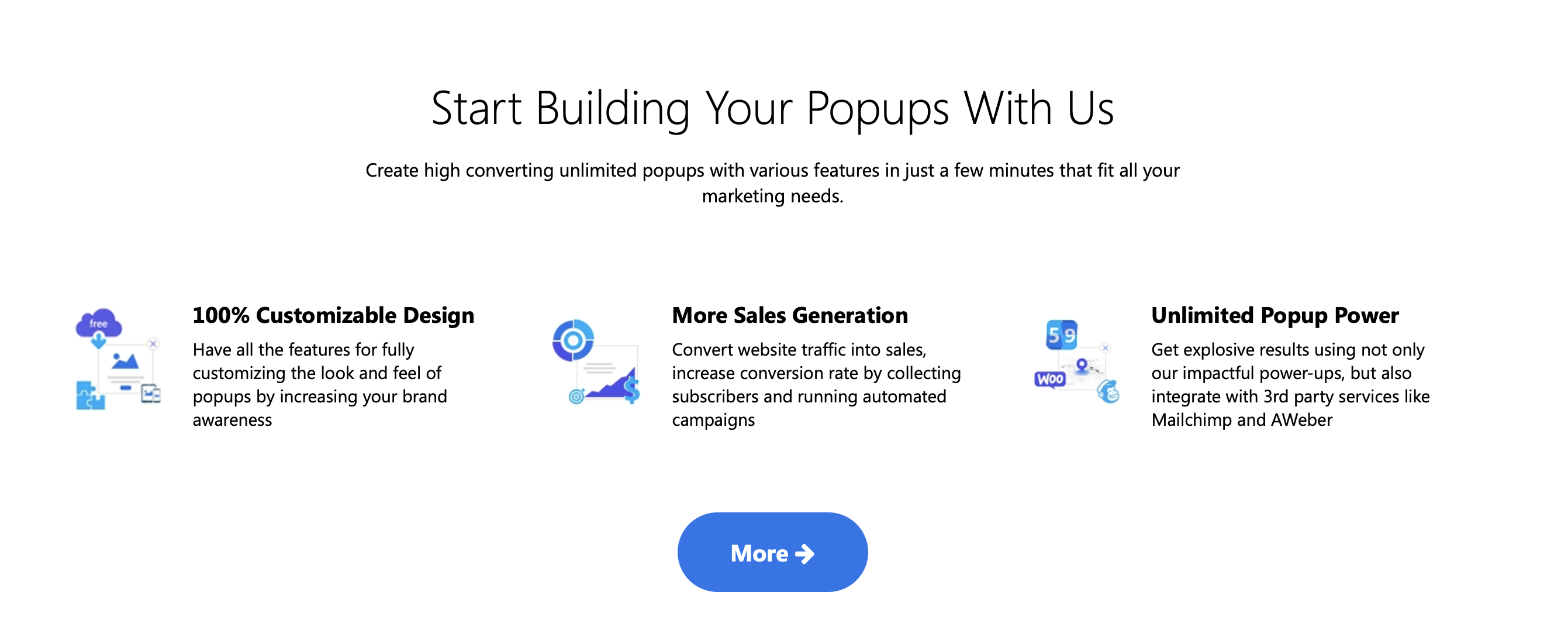
Popup Builder is a dedicated WordPress popup plugin for creating exit-intent popups, promotional popups, and more — known for its simplicity and ease of use.
Key Features:
- Exit-intent popups
- Drag-and-drop popup builder
- Multiple popup types (image, HTML, iframe, social)
- Customizable themes
- Targeting options (page, post, category)
- Integration with email marketing services
- Free version available
Pros:
- Easy to use, even for beginners
- Variety of popup types
- Good customization options
- Responsive design
- Free version available
Cons:
- Limited features in the free version
- Some advanced features require the premium version
- Fewer advanced targeting options compared to some competitors
Best For:
Small businesses, bloggers, and marketers who want a simple, effective way to create and manage popups without a steep learning curve.
Pricing (2026):
Popup Builder offers a free version, with paid plans starting from $49.95/year (Starter, 2 sites), scaling to $89.95/year (Business, 10 sites) and $145.95/year (Agency, unlimited sites).
10. OptiMonk
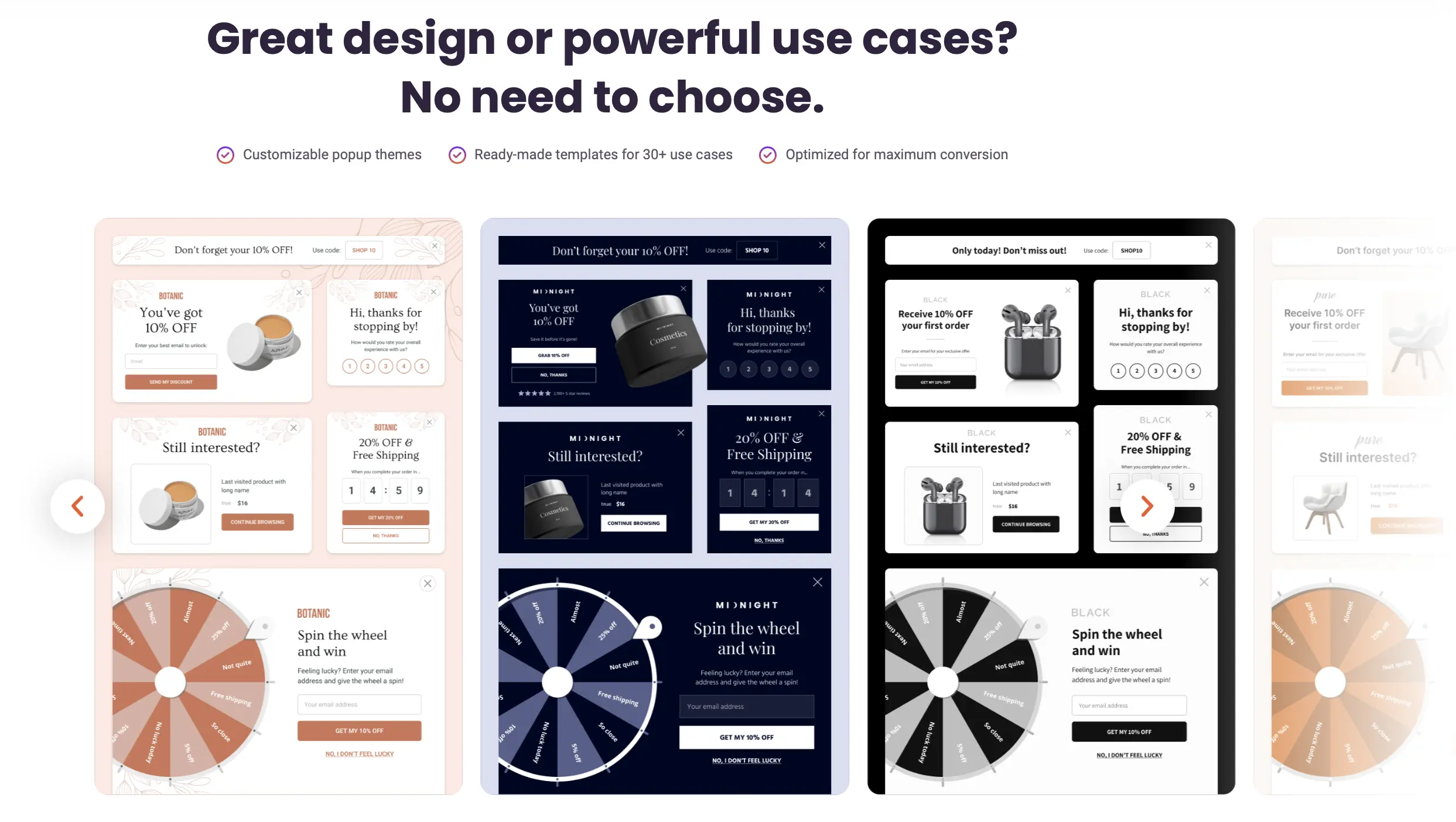
OptiMonk is a conversion optimization platform built specifically for e-commerce — popups, on-site messaging, and personalization, with exit-intent, gamification (spin-the-wheel), and cart-value triggers included.
Key Features:
- Exit-intent popups
- A/B testing (included even on the free plan)
- Advanced targeting, including cart-value and behavior-based triggers
- AI-powered personalization and smart headline generation
- Integration with 40+ email marketing and e-commerce platforms
- Genuinely usable free plan

Pros:
- Free plan includes every feature (A/B testing, exit-intent, personalization) — not a stripped-down trial, just capped at 10,000 pageviews
- Deep e-commerce targeting: cart value, gamification, product recommendations
- Strong AI-assisted campaign creation
Cons:
- Can get expensive fast once you outgrow the free tier’s pageview cap
- The volume of features and campaign types can be overwhelming for a first-time user
Best For:
E-commerce businesses specifically — the cart-value targeting and gamified popup types are built for online stores, less relevant for a simple lead-gen blog or service site.
Pricing (2026):
Free plan (10,000 pageviews, 1 domain, all features unlocked). Paid plans: $19/month (Essential, 20,000 pageviews), $69/month (Growth, 100,000 pageviews), $179/month (Premium, 500,000 pageviews).
10 plugins, one question: which fits your site?
Conclusion
Not sure which fits your site, or want someone else to handle the setup entirely? Contact us today for a free consultation.