TL;DR
Migrating a WordPress site manually risks errors, downtime, and broken URLs — a dedicated migration plugin automates file transfer, database migration, and URL updates instead.
For most users, All-in-One WP Migration or Duplicator cover everything needed in one tool; Migrate Guru is better for large, content-heavy sites, while WP Migrate DB suits developers who only need database control. Whichever you pick, always back up your site fully before starting, and test everything after the move completes.
Your 2026 Website Move: Choosing the Best WordPress Migration Plugins
Website migrations – they can feel like a digital high-wire act, right? But what if you could perform this act with a safety net and a whole lot less stress? WordPress now powers over 40% of all websites on the internet, hundreds of millions of sites. That’s a HUGE number of migrations potentially happening every day!
Upgrading to faster hosting, consolidating sites, or seeking a more reliable platform can be daunting. Moving a WordPress website is a big task. Fortunately, the evolution of WordPress migration plugins has transformed this process from a risky endeavor to a manageable task. These plugins are constantly improving, becoming more powerful, user-friendly, and secure.
This guide is your essential resource to navigate the landscape of WordPress migration in 2026. We’ll look at the Best WordPress Migration Plugins. They make moving your site easy, from simple to advanced tools for pros.
Get ready to discover solutions that will make your next WordPress migration smooth and stress-free!
Why Use a WordPress Migration Plugin?
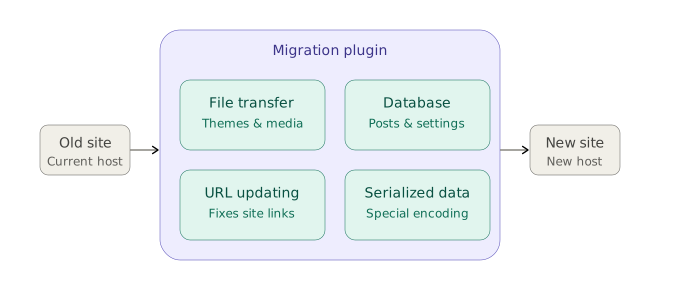
So, what does a WordPress migration plugin actually do? These clever tools automate key tasks involved in moving your website from one location to another. Let’s break down the core functions:
- File Transfer: It copies all your website’s files – themes, plugins, images, and other media.
- Database Migration: It moves your database containing posts, pages, settings, and user data.
- URL Updating: It updates URLs to ensure everything points to the correct location on the new server.
- Serialized Data Handling: And it even handles serialized data, which requires special attention.
For an efficient and stress-free migration experience, a plugin from the list of the best WordPress migration plugins is simply essential, ensuring reliability and peace of mind. And if you’d rather hand off the entire migration, our WordPress development team handles it directly, plugin setup and all.
Factors to Consider When Choosing a Migration Plugin
You need to consider what is most important to you before jumping in. To make the best decision for your situation, it’s essential to weigh several factors carefully. Here’s a breakdown of the key things to keep in mind:
- Website Size: Are you running a lean, mean website with a few pages, or a sprawling online empire with tons of images and videos? Large sites demand plugins that can handle massive data volumes efficiently.
- Technical Skill Level: Are you a code ninja ready to dive into server settings? Or do you like a user-friendly, point-and-click interface? Some plugins cater to beginners, while others offer advanced features that require technical expertise.
- Hosting Compatibility: Not all plugins play nicely with every hosting provider. Make sure the plugin works well with your current and future hosting setups.
- Downtime Tolerance: Can you afford a few hours of downtime during the migration, or is near-zero interruption essential? If uptime is critical, prioritize plugins designed for minimal downtime.
- Backup Features: Is built-in backup functionality a must-have, or are you already handling backups separately? Some migration plugins include backup features, providing an extra layer of protection.
- Pricing: Free plugins are good for basic migrations. But, premium options offer more features, support, and better performance. Consider your budget and the value you receive.
- Support and Documentation: What level of support do you anticipate needing? Access to reliable documentation, tutorials, and customer support is essential if you encounter any issues during the migration.
The Best WordPress Migration Plugins for 2026
Okay, let’s get to the meat of the matter! In 2026, the world of WordPress migration plugins is brimming with excellent choices, each with its own set of strengths.
1. All-in-One WP Migration
All-in-One WP Migration is a widely used plugin that provides a straightforward solution for migrating WordPress sites. This plugin allows you to export your entire site—including themes, plugins, content, and database—into a single file and then easily import it to a new location. It’s designed for users of all technical levels, making the migration process hassle-free.
Key Features:
- Simple one-click migration.
- No size restrictions on the migrated site.
- Compatibility with all hosting providers.
- Finds and replaces serialized URLs.
Description: All-in-One WP Migration is renowned for its ease of use, particularly for those who may not be familiar with the technical complexities of WordPress migrations. The plugin’s intuitive drag-and-drop interface simplifies the entire process, allowing you to migrate your site in just a few clicks.
Additionally, its ability to handle large sites without any file size restrictions and to work with virtually any hosting provider makes it a versatile choice. Whether you’re moving to a new host or creating a backup, All-in-One WP Migration offers a reliable and efficient solution.
2. Duplicator
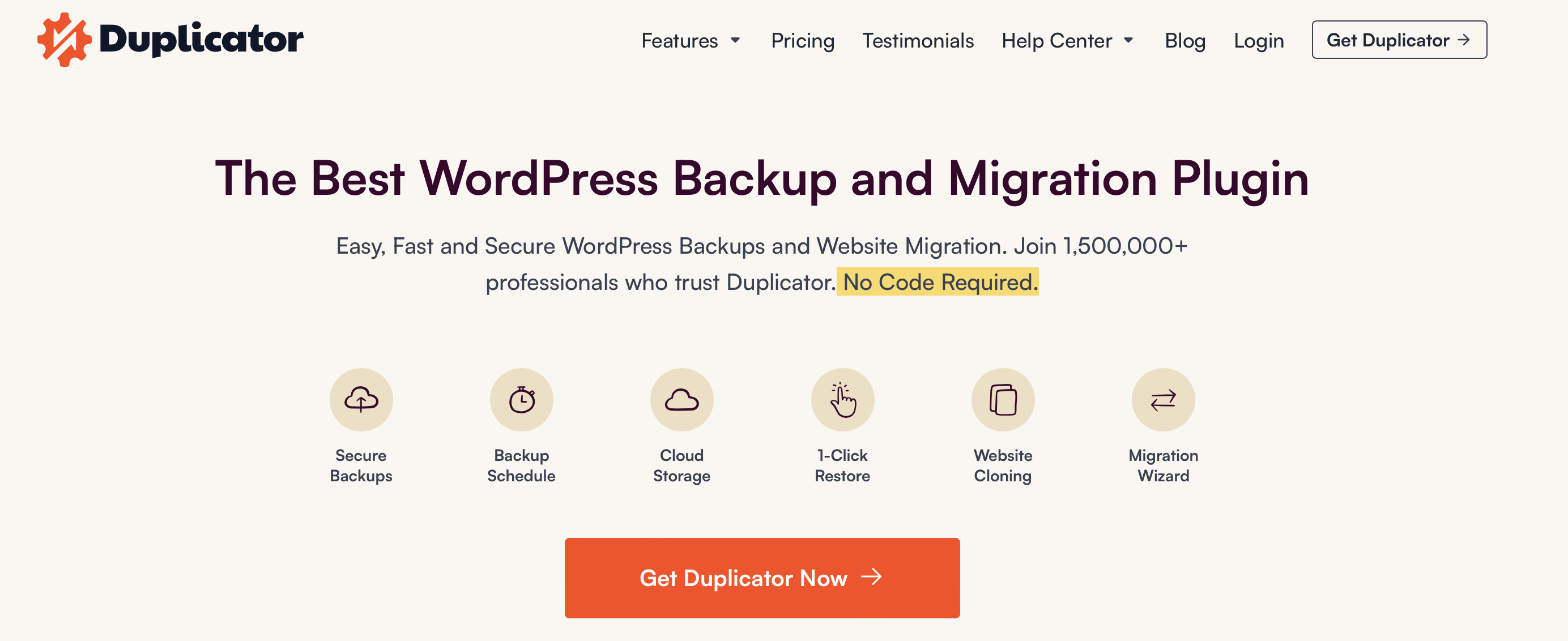
Duplicator is a versatile migration plugin that not only assists in moving your site but also helps with site cloning and backups. It’s a powerful tool for developers and those who want more control over the migration process.
Key Features:
- Site cloning for easy duplication.
- Scheduled backups to ensure data safety.
- Easy migration with bundled installer.
- Selective data migration options.
Description: Duplicator’s strength lies in its flexibility. It provides advanced options for developers while maintaining a user-friendly interface for beginners. With the ability to schedule backups, Duplicator ensures that your data remains secure throughout the migration process.
3. UpdraftPlus
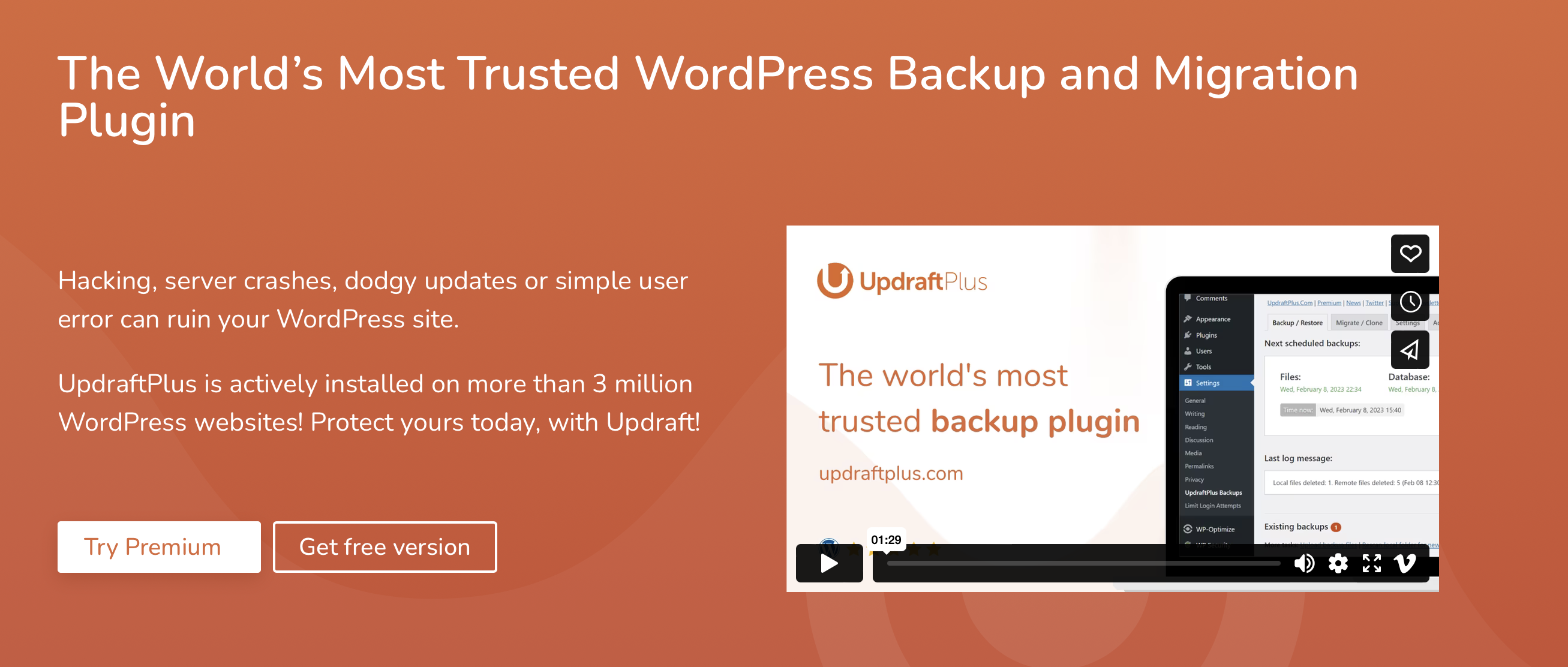
UpdraftPlus is a comprehensive backup and migration solution for WordPress. While primarily known for its backup features, it also offers seamless migration capabilities, making it a reliable choice for users looking for an all-in-one solution.
Key Features:
- Incremental backups for efficiency.
- Supports multiple cloud storage options.
- One-click site migration.
- Easy restoration of backups.
Description: UpdraftPlus goes beyond migration, offering robust backup features. With its incremental backup functionality, it ensures that only the changes made since the last backup are saved, optimizing storage space and reducing migration time. This makes it an excellent choice for those who prioritize both backup and migration capabilities
4. Migrate Guru
Migrate Guru is a specialized migration plugin designed for large websites. With its innovative architecture, it ensures fast and reliable migrations, even for sites with massive amounts of data.
Key Features:
- Fast and efficient migration for large sites.
- No server overloads during the migration process.
- Automatic URL updates.
- Real-time progress tracking.
Description: Migrate Guru stands out for its ability to handle large-scale migrations without overloading servers. It uses its own servers for the migration process, ensuring that your site’s performance remains unaffected during the transfer. This makes it an ideal choice for users with content-heavy websites.
5. Solid Backups (Formerly BackupBuddy)
Solid Backups (formerly known as BackupBuddy) is a backup and migration plugin that prioritizes data security. It offers a range of features to ensure that your website is not only migrated seamlessly but also backed up comprehensively.
Key Features:
- Scheduled backups with remote storage options.
- Easy site migration with a simple wizard.
- Individual file and database restoration.
- Malware scanning for added security.
Description: Solid Backups excels in providing a secure environment for your website. With scheduled backups and remote storage options, your data is safeguarded at all times. The plugin’s migration process is user-friendly, making it a solid choice for those who prioritize both security and ease of use.
6. WP Migrate DB
WP Migrate DB is a specialized migration plugin focused on transferring the WordPress database. While it doesn’t handle file migration, it’s a valuable tool for developers and users who want precise control over their database during the migration process.
Key Features:
- Selective migration of database tables.
- Find and replace functionality for URLs.
- Compatible with serialized data.
- Command-line support for advanced users.
Description: WP Migrate DB is designed for users who want granular control over their database during migration. It excels in selective migration, allowing you to choose specific database tables to transfer. This level of control is particularly useful for developers working on complex projects.
WordPress Migration Best Practices for 2026
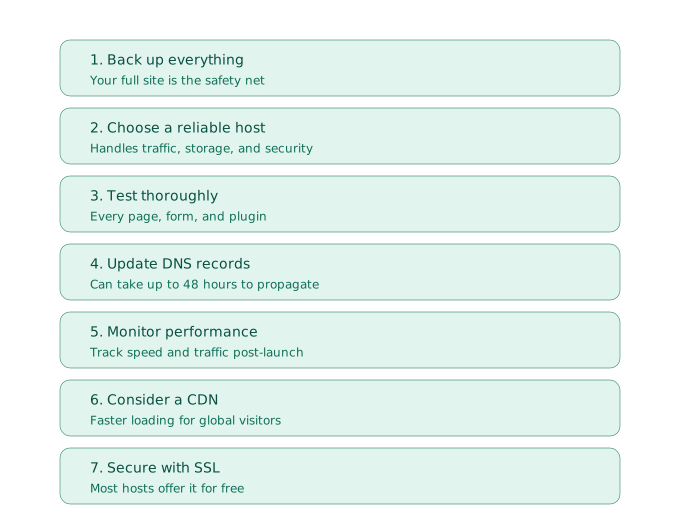
- Back Up Everything Before Starting: This is non-negotiable! Before you even think about starting the migration, create a full, complete backup of your entire website. Think of it as an insurance policy – your safety net in case anything goes wrong.
- Choose a Reliable Host: Is your new hosting provider up to the task? Make sure it can handle your website’s traffic, storage, and security needs. Don’t skimp on this step! Check our best WordPress hosting picks for 2026 if you’re not sure where to start — a good host makes a HUGE difference.
- Test Thoroughly After Migration: After moving your website, test it well. Make sure everything works right. Click through every page, test every form, and make sure all plugins are functioning correctly.
- Update DNS Records: To point your domain name to your new server, you will have to update your DNS records. Keep in mind that this change can take up to 48 hours to fully propagate across the internet.
- Monitor Performance: After the DNS propagates and your site is live on the new host, keep a close eye on your website’s performance. Use tools like Google Analytics or PageSpeed Insights to track loading times, traffic, and other key metrics.
- Consider CDN Integration (If Applicable): If you aren’t already using a Content Delivery Network (CDN), now might be a good time to consider it. A CDN can significantly improve your website’s speed and performance, especially for visitors in different geographic locations.
- Secure Your Site with SSL (If Not Already): In 2026, there’s no excuse for not having an SSL certificate. It’s crucial for security and user trust. Most hosting providers offer free SSL certificates, so be sure to enable it!
Conclusion
Exploring WordPress migration can feel daunting. But, with the best WordPress Migration Plugins and a clear plan, it becomes easy and worry-free. In this guide, we’ve explored the importance of migration plugins and provided a rundown of some of the top contenders for 2026.
Now it’s time to take action! Choosing the right WordPress migration plugin is key. It helps you move your website smoothly to a new home. This ensures your site will thrive in 2026.
Have you had any particularly good—or bad—experiences with WordPress migration?
Need help navigating your WordPress migration? Our team of experts is here to assist you. Get in touch with our WordPress development team for a seamless and successful transition!