Introduction
Hey there, fellow WordPress enthusiast! If you’re aiming for a website that not only survives but thrives in 2025, then WordPress website optimization is your key to success.
It’s no longer just about having a visually appealing site; it’s about ensuring optimal performance across the board.
The truth is, SEO, user experience, and security are always changing. This means old strategies might not work anymore. You need to stay up-to-date to keep your website running smoothly.
Did you know that a one-second delay in page load time can lead to a 7% reduction in conversions? That’s a significant hit to your potential growth! This blog post is your roadmap to get your website in top shape for the coming year.
In this guide, we’ll explore:
- What WordPress website optimization truly means and why it’s crucial in 2025.
- Practical strategies to boost your website’s speed for better rankings and user satisfaction.
- Robust security measures to keep your site protected from ever-evolving threats.
- Techniques for enhancing user experience to foster engagement and conversions.
- Emerging trends and new technologies that you need to be aware of to stay ahead of the game.
Understanding WordPress Website Optimization in 2025
Okay, so we’re throwing around the term “website optimization,” but what exactly does it mean, and why should you care? Let’s break it down.
What is Website Optimization?
Website optimization is all about making your site run smoothly. It focuses on several important areas. This ensures your website works well for everyone who visits. It’s not just a one-time fix; it’s an ongoing effort to improve how your website works from the ground up.
We are going to focus on WordPress website optimization. In simpler terms, it’s about making your website faster, more secure, easier to use, and more visible to search engines. Think of it like giving your website a health check-up and making sure every part is working at its absolute best.
The primary goal of WordPress website optimization is to create the best possible experience for your visitors. This means they can easily find what they’re looking for, navigate your site without any hassle, and feel secure while browsing. Optimizing your WordPress website has many benefits. It can positively affect your business in several ways.
It affects:
- SEO (Search Engine Optimization): Search engines like Google love well-optimized websites. A fast, secure, and user-friendly website is more likely to rank higher in search results, bringing in more organic traffic.
- User Experience (UX): A seamless user experience leads to longer visit times, lower bounce rates, and more conversions. People are more likely to engage with your content when it’s easy to use and looks great.
- Security: Optimizing for security protects your site from threats. This helps maintain user trust and avoids potential disruptions caused by security breaches.
Key Areas of WordPress Website Optimization
When we talk about WordPress website optimization for 2025, there are a few key pillars that we need to pay attention to. This blog will go in depth with the below key areas:
- Speed Optimization: This includes optimizing everything from your hosting environment to images and code to ensure your site loads quickly and efficiently. In 2025, speed will be even more critical.
- Security Optimization: This includes implementing robust security measures to protect your site and its users from various cyber threats. Security threats are always evolving, and it’s important that your website can adapt.
- User Experience (UX) Optimization: This refers to designing your website so that it is user-friendly, and easy to navigate on all devices. A good UX encourages visitors to explore your site and achieve their goals with ease.
- The Role of AI: How AI will help to improve WordPress website optimization.
Optimizing for Speed in 2025
Alright, let’s talk about speed. In the fast-paced world of 2025, website speed isn’t just a nice-to-have; it’s a necessity. A slow-loading site is like a shop with a broken door – people won’t stick around. Let’s get into the details on how to speed up your WordPress site.
The Importance of Website Speed
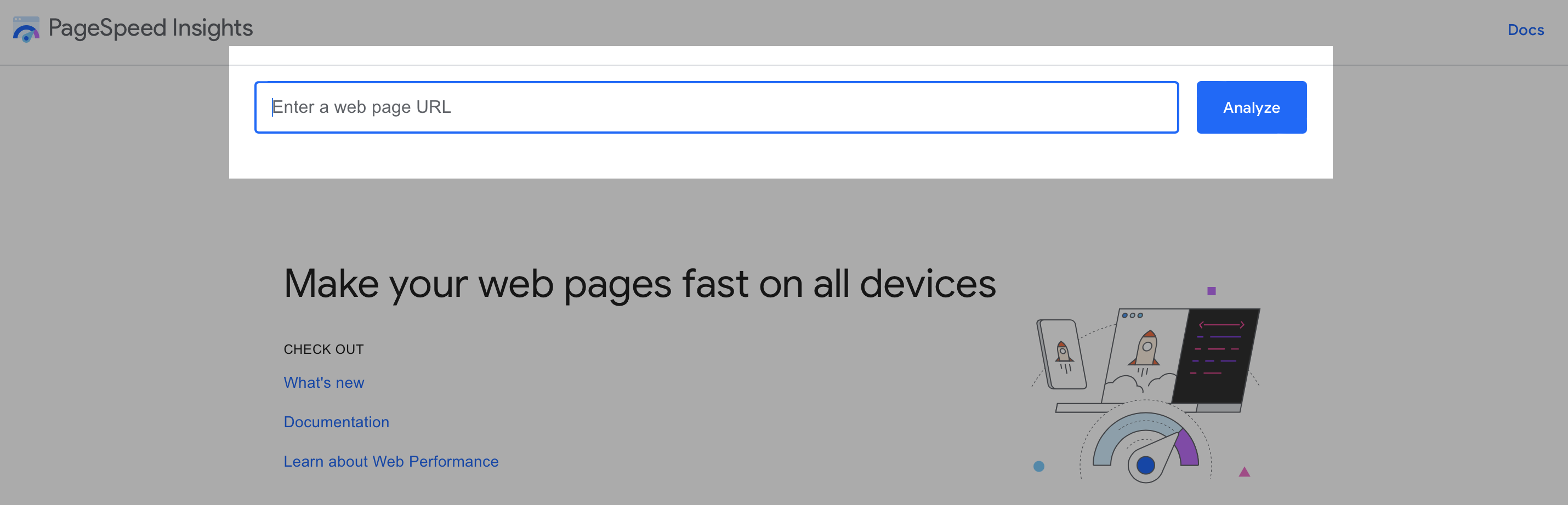
Why should you prioritize site speed optimization? Well, it impacts almost everything! For starters, a slow website can seriously hurt your WordPress SEO.
Search engines, like Google, are paying more and more attention to website performance. They use speed as a ranking factor, which means if your site is slow, you are less likely to show up in search results.
User experience (UX) also takes a huge hit with slow websites. Visitors expect pages to load almost instantly. When they have to wait, they get frustrated, and they’re likely to click away – that’s what we call a high bounce rate.
This is why improving WordPress website loading time is critical. Ultimately, a slow site can cost you visitors, customers, and revenue.
It is important to focus on WordPress performance. Google’s Core Web Vitals, which include metrics like Largest Contentful Paint (LCP), First Input Delay (FID), and Cumulative Layout Shift (CLS), are key to how Google ranks websites.
Essential Speed Optimization Techniques
So, how do you make your WordPress website fly? Here are the essential techniques you need in your toolkit:
Choosing the Right Hosting

Your web host is the foundation of your website. It’s like the engine of your car; if it’s not up to scratch, your ride will be slow and bumpy. There are several types of hosting available such as shared hosting, VPS hosting, and dedicated servers.
For WordPress performance, Managed WordPress hosting is often the best choice. This type of hosting is specifically designed for WordPress sites, offering optimized servers, automatic updates, and enhanced security.
It takes a lot of the technical headaches out of website management, and also provides server-side caching for WordPress, which is very important for speed.
Caching Strategies
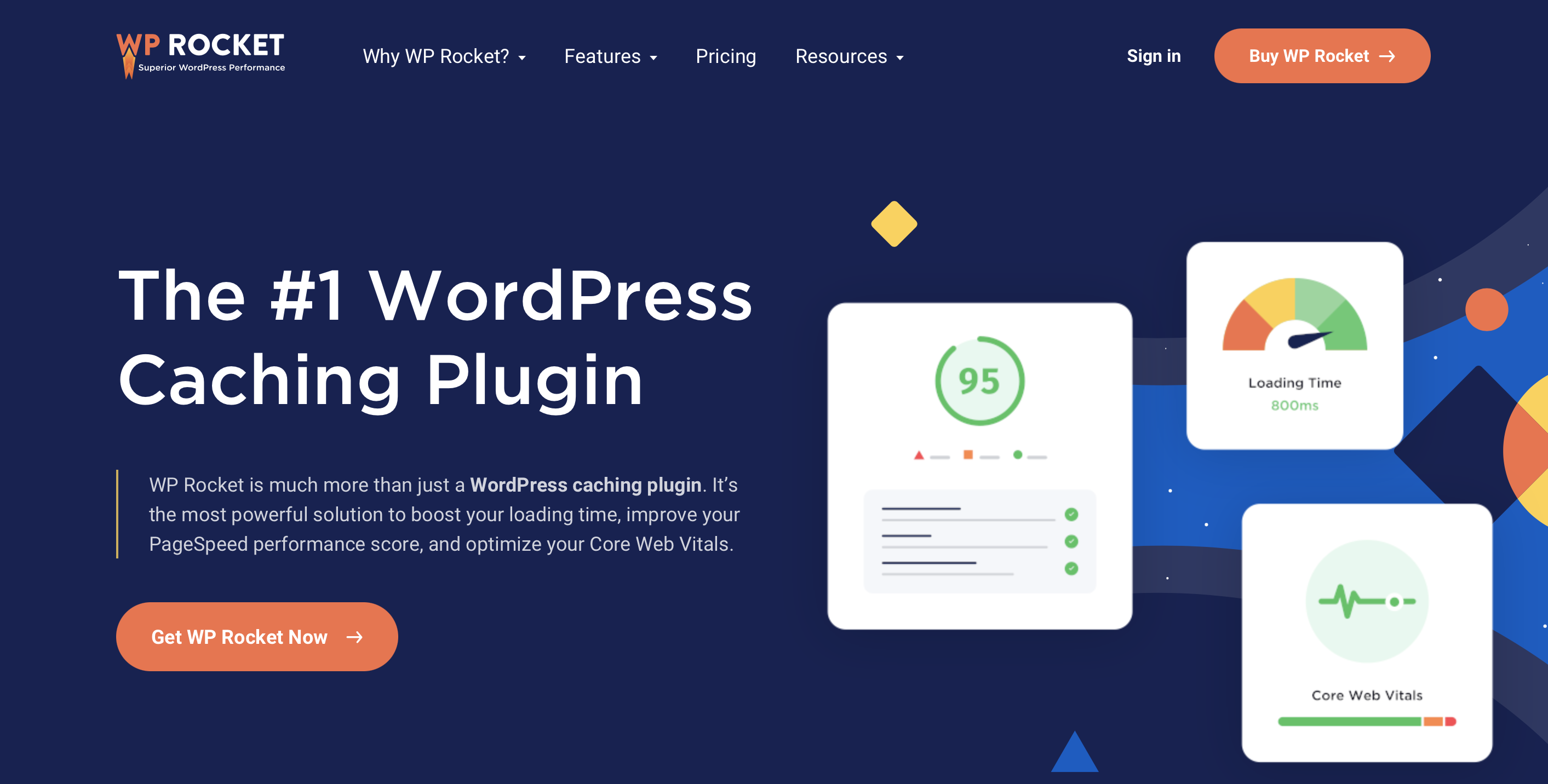
Caching is like storing a snapshot of your website so that it can load faster for returning visitors. There are different levels of caching that you can take advantage of. Browser caching stores data in the user’s browser, while server caching stores data on the server side.
Using a caching plugin WordPress is one of the easiest ways to implement caching effectively. Some of the most popular options include WP Rocket, W3 Total Cache, and LiteSpeed Cache.
Image Optimization
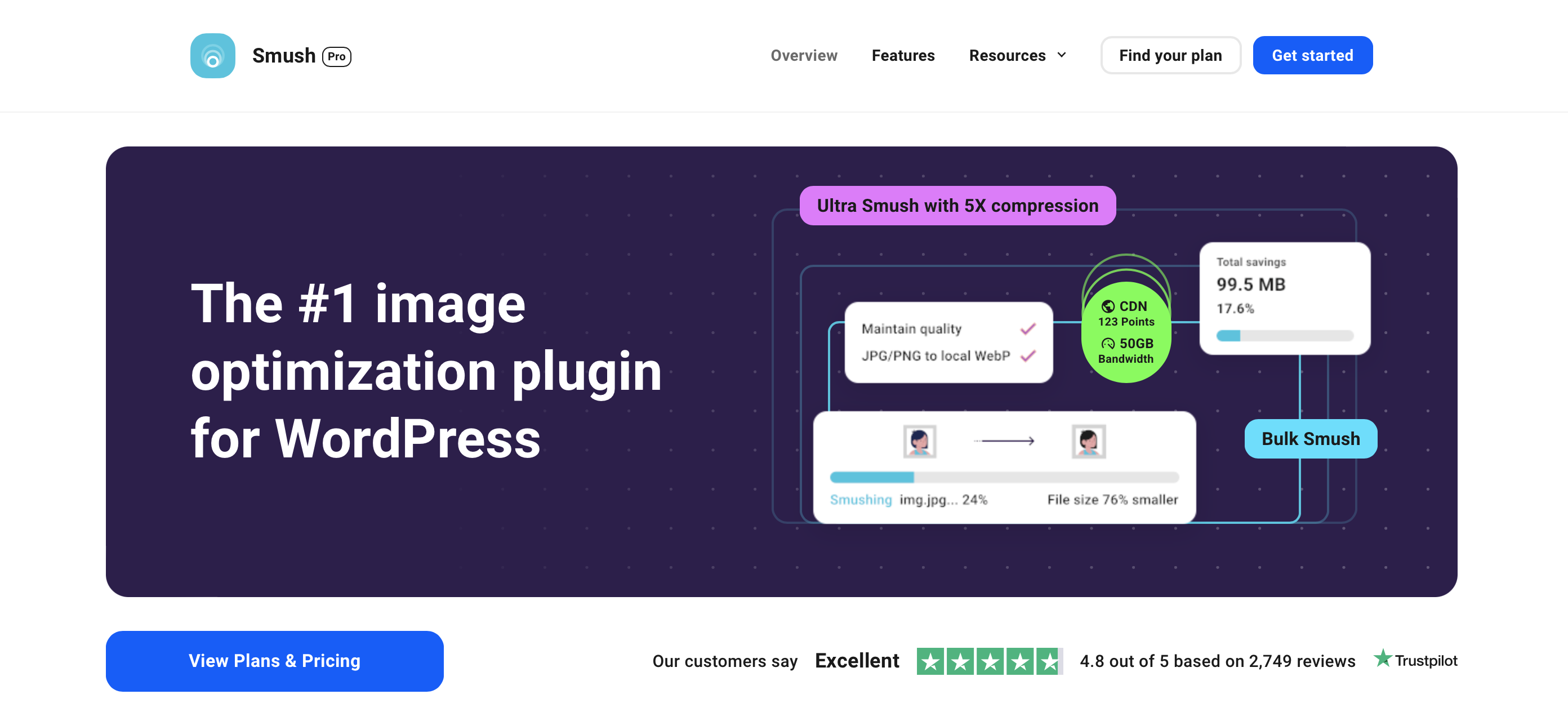
Images are a vital part of your site, but large images can kill your page speed. Optimizing images includes compressing the file size without losing too much quality.
It also includes serving images in next-gen formats such as WebP, and ensuring that the images have the correct dimensions. It is crucial to use image compression WordPress to help your page load faster.
Improving website speed is crucial. One key method is lazy loading images WordPress. This technique loads only the images that are currently visible on the screen. It loads the rest as the visitor scrolls down.
This helps the page to load faster. There are several plugins that can help with WordPress image optimization best practices such as ShortPixel and Smush.
Code Optimization

Your website’s code is another place you can optimize. Minimizing your CSS and Javascript files is important for speed. It will reduce the size of your code which will reduce the time it takes to load your website.
It can also be done using plugins such as Autoptimize or by making changes to your theme’s coding. When combined with techniques such as JavaScript and CSS minification you will be able to improve your website speed.
CDN (Content Delivery Network)

A Content Delivery Network, or CDN, is like having your website’s content on multiple servers around the world. When someone visits your site, the content is loaded from the server closest to them, reducing load time and making for a faster website.
Using a CDN WordPress improves the speed of your website. Popular choices include Cloudflare, StackPath, and Bunny CDN.
Database Optimization
Over time, your WordPress database can become cluttered with unnecessary data, which can slow down your site. Cleaning up your database will help you to keep it efficient.
You can use plugins like WP-Optimize to clean up your database regularly. This helps keep your site running smoothly. It also reduces the database size.
Doing this manually can be tricky if you’re not sure how. Using a plugin is often a safer choice. It makes the process easier and more reliable.
Latest Optimization Techniques
The world of web performance is always changing. It’s important to keep up with the latest techniques to make sure your website runs smoothly. HTTP/3 is the next big thing in the HTTP protocol, aiming for faster data transfer.
Optimizing for Security in 2025
The Evolving Threat Landscape
The world of cybersecurity is constantly changing. Hackers are always finding new ways to exploit vulnerabilities, and your WordPress website is not an exception. That’s why WordPress security vulnerabilities 2025 are something to always keep in mind.
Current security threats that are especially problematic for WordPress include:
- Malware Infections: Malicious code can be injected into your website to redirect visitors, steal data, or harm your site’s reputation. This also includes using your website to spread malware to other unsuspecting visitors.
- Brute Force Attacks: Hackers attempt to guess your username and password repeatedly to gain access. This is why WordPress spam protection is also important.
- SQL Injection Attacks: Hackers can exploit security flaws in your database to gain access to sensitive data.
- Cross-Site Scripting (XSS): Attackers can inject malicious scripts that affect your website visitors.
A compromised website can lead to significant financial losses, damage to your reputation, and a loss of your visitor’s trust. That is why WordPress website security is essential and should be a top priority.
Key Security Practices
Strong Passwords and User Management
Weak passwords are an open invitation for hackers to access your website. Use strong passwords that consist of a mix of uppercase and lowercase letters, numbers, and symbols.
Also, manage your user roles carefully, only give users access to what they absolutely need. It’s also best to remove unused users, and have a strategy for revoking user access when needed. This is an important part of your WordPress website security guide 2025.
Regular Software Updates
One of the easiest ways to stay protected is to keep your WordPress software, themes, and plugins up to date. Updates often include security patches that fix known vulnerabilities. Failing to update software and plugins leaves your website vulnerable. Make sure to update as soon as possible, and turn on automatic updates if you can.
Security Plugins
Using a good security plugin can add an extra layer of protection to your website. Many security plugins come with robust features such as firewalls, malware scanners, login attempt limitations, and more. Popular security plugins for WordPress include Wordfence, Sucuri Security, and iThemes Security.

HTTPS Implementation
Having an SSL certificate is a must in today’s day and age. It encrypts the data transmitted between your website and the visitors browser, which helps to prevent hackers from intercepting sensitive information. Most hosting providers will offer free SSL certificates that can be easily activated from your cPanel. Always make sure to have a valid SSL and HTTPS connection.
Two-Factor Authentication
Database Security
Your WordPress database contains vital information, and you must take extra steps to protect it. It is important to use unique prefixes for the tables, and to limit database access. Regularly backing up your database can also help recover in case of a security breach. It is also important to know how to protect your WordPress database.
Optimizing for User Experience in 2025
User Experience is Essential
So why should you prioritize UX? It’s simple, really. A positive user experience makes your audience happy. This means they’ll want to spend more time on your website.
This boost in WordPress website user experience is key. When users have a good time, they’re more likely to engage and explore. They might even become customers or loyal fans.
On the flip side, a poor user experience can result in high bounce rates and a loss of potential customers. It’s important to improve user engagement WordPress to make your website the best it can be.
Here’s how good UX contributes to your website’s success:
- Reduced Bounce Rates: When your website is easy to navigate and engaging, users are more likely to stay longer and explore more content. This means a lower bounce rate, which is always good!
- Increased Conversions: A smooth and user-friendly website makes it easier for visitors to complete desired actions, such as making a purchase, signing up for a newsletter, or filling out a form.
- Better SEO Ranking: Search engines are focusing more and more on user experience, using user behavior as ranking signals. A website with great UX has a greater chance of ranking higher in search results. Therefore, how to improve wordpress user experience is important for SEO.
Key UX Improvement Strategies
Responsive Design
In today’s mobile-first world, it is absolutely essential to have a responsive design. This means that your website will adjust to any device, be it a desktop, smartphone, or tablet. It is also essential for WordPress mobile optimization guide 2025.
Intuitive Navigation
Navigation should be easy and intuitive. Your website visitors should be able to easily find what they’re looking for. Your menu structure should be clear and organized. It’s important to use clear labels and to not use complex menu structures.
Clear Calls to Action (CTAs)
Your CTAs are essentially how you direct your visitors through your website. A good CTA is clear, concise and encourages visitors to take a desired action. This could be anything from buying a product, reading an article, or signing up for a newsletter.
Content Accessibility
Website accessibility is about ensuring your website is usable for everyone, including people with disabilities. It’s not just about following the rules; it’s about making your content inclusive.
Website Structure
A well-organized website structure helps both users and search engines navigate your content. Use clear headings, and subheadings, and have proper spacing between paragraphs. Use internal links to link your content together.
Design Best Practices
Design matters a lot in creating a better user experience. This includes choosing the correct color palette, fonts, spacing, and layouts. Use design to make your content more accessible and to help the user navigate through your website easily.
The Role of AI in WordPress Website Optimization
In 2025, Artificial Intelligence (AI) is more than just a concept. It’s a powerful tool that can greatly improve your WordPress website optimization. AI can assist with content creation, website design, and even security. Here’s how it can help:
- Content Creation: AI can help in creating engaging content by suggesting topics, headlines, and even drafting articles.
- Website Design: AI tools can analyze your website and offer design improvements to enhance the UX of your site.
- SEO: AI can help you in optimizing your content for SEO by finding the right keywords, and providing recommendations.
- Security: AI can monitor your site for threats, and react quickly to prevent attacks.
Some of the AI tools in WordPress that can be used for better optimization include:
- AI-powered SEO plugins: These plugins analyze your content to suggest keywords and SEO optimization techniques.
- AI content generators: These tools assist in creating fresh content for your website.
- AI image optimization tools: These help compress and optimize images automatically.
Future Proofing WordPress for 2025 and Beyond
The digital landscape is constantly evolving, and it’s important to be ready for what comes next. Staying ahead of the curve will ensure your website remains competitive. The key to future-proofing is not just about reacting to change, but anticipating it.
Here are a few things to keep an eye on:
- Emerging Technologies: Stay informed about new technologies like HTTP/3, AI, and machine learning. Being an early adopter can give you a competitive edge.
- Evolving Search Algorithms: Search engine algorithms are continuously changing. Keep up with the latest trends in SEO and make sure your website is compatible.
- User Expectations: User expectations are constantly changing as well, so it’s important to pay attention to what your visitors want.
Conclusion
Congratulations, you’ve made it to the end of our ultimate guide to optimizing your WordPress website for 2025! We’ve covered a lot of ground, from optimizing for speed and security to crafting an outstanding user experience and seeing how AI can help.
Remember, WordPress website optimization is not a one-time task; it’s an ongoing journey. The digital world never stands still, and your website needs to evolve with it. By focusing on speed, security, UX, and new technology, you’ll be able to ensure your WordPress site is ready for 2025.
If you’re feeling overwhelmed, we’re here to help! We offer professional WordPress optimization services designed to take the guesswork out of website management. Contact us today for a free consultation, or subscribe to our newsletter to stay up to date on the latest WordPress optimization tips. The time to start optimizing is now!
FAQ
Why is website speed optimization important for WordPress sites?
Website speed optimization is crucial for WordPress sites as it directly impacts user experience and search engine rankings. A faster website improves user satisfaction, reduces bounce rates, and can lead to higher conversions.
Additionally, search engines like Google consider page speed as a ranking factor, so a faster website may rank higher in search results.
How often should I conduct a speed test for my WordPress website?
It is recommended to conduct a speed test for your WordPress website regularly, such as once a month or whenever you make significant changes to your website. Regular speed tests can help you identify performance issues early and take corrective action
Want to take your website optimization to the next level?
Check out these resources for in-depth guides on specific optimization techniques:
Link to article on mobile responsive design: https://support.google.com/webdesigner/answer/7002913?hl=en
Link to article on image optimization for web:
https://hurrdatmarketing.com/seo-news/how-to-optimize-for-google-image-search/
Feeling overwhelmed?
We offer free consultations to help you create a customized website optimization plan. Just [contact us] and let’s chat!
Remember, website optimization is an ongoing process, but the effort you put in today will pay off in a stronger online presence and a website that achieves your goals. So keep up the great work!